
Kostenlose Rückgabegarantie

If you're new to thermal imaging, a handheld thermal camera like the HANMATEK Ti240 can seem intimidating at first — but it's actually one of the easiest and most powerful tools for spotting hidden issues. Thermal cameras (also called infrared thermal imaging cameras) detect heat instead of light, turning invisible temperature differences into colorful images that reveal problems you can't see with your eyes.
This beginner-friendly guide walks you through the basics of how to use a thermal camera effectively — from setup to scanning and interpreting results. Whether you're checking your home for insulation gaps, inspecting electrical panels, or troubleshooting HVAC, you'll be finding issues quickly.
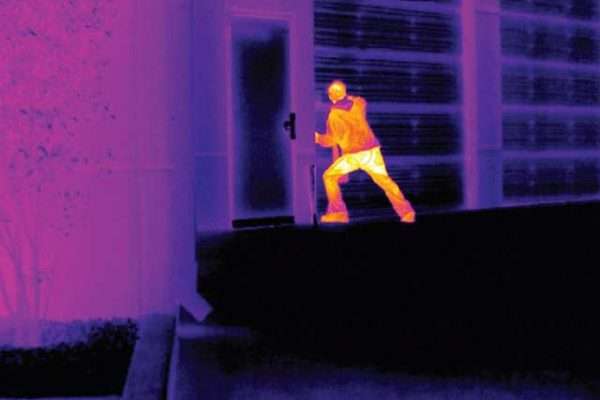
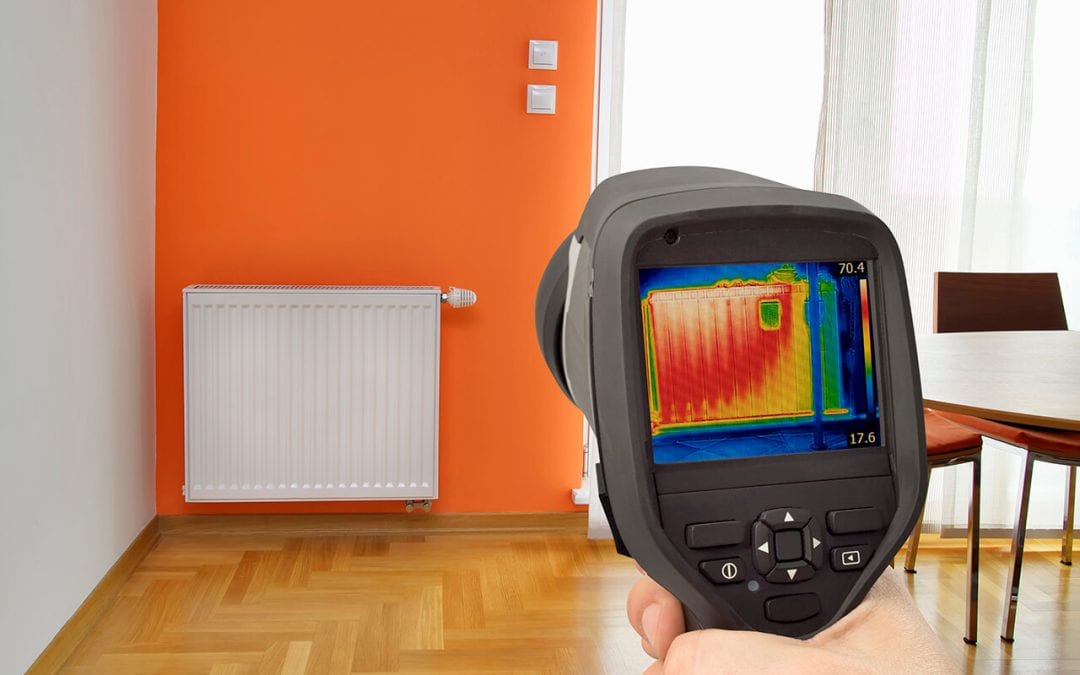
Here are step-by-step visuals showing beginners using a handheld thermal camera for the first time:
Power on your HANMATEK Ti240 (rechargeable battery lasts up to 9 hours). The 2.4-inch color screen displays a live thermal view right away.
Key beginner controls:
Pro tip: The Ti240 has 6 color palettes — try them to see which makes problems pop the most clearly.
Examples of common thermal color palettes (Iron Red for electrical, Rainbow for building scans):
Thermal images show temperature differences (Delta T):
The Ti240's 240×240 resolution gives you sharp, detailed images — much clearer than lower-res models.
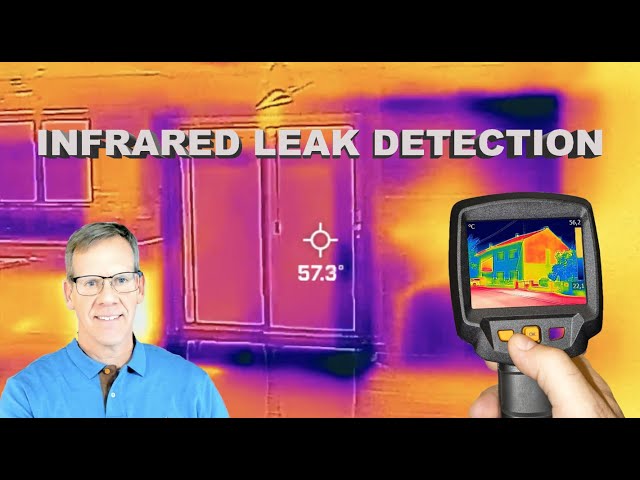
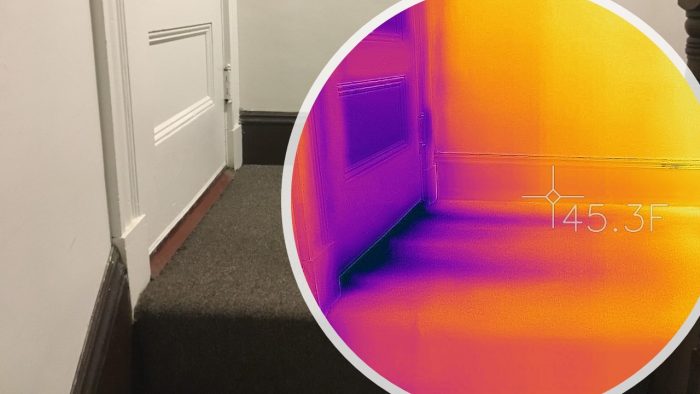
Real beginner inspection examples showing hot spots, leaks, and insulation issues:
The Ti240's high/low temperature alarms beep and flash when something unusual appears — great for beginners.
Take photos/videos directly on the Ti240 (stores on 8GB SD card). Transfer to PC for reports using included software — perfect for home energy audits or sharing with contractors.
The HANMATEK Ti240 is designed to be beginner-friendly while delivering professional results with its high resolution, easy menus, and long battery life.
Get started today — grab the Ti240 and uncover issues you never knew existed: Buy HANMATEK Ti240 Thermal Camera
Explore more new tools: New Arrival HANMATEK Tools Collection
Thermal imaging is easier than you think — start scanning and see the difference!
{"one"=>"Wählen Sie 2 oder 3 Artikel zum Vergleichen aus", "other"=>"{{ count }} von 3 Elementen ausgewählt"}
Wählen Sie das erste zu vergleichende Element aus
Wählen Sie das zweite zu vergleichende Element aus
Wählen Sie das dritte Element zum Vergleichen aus


Einen Kommentar hinterlassen