
Free Returns Guarantee
Free & Easy Returns
Free & Easy Returns

Learning how to use an oscilloscope is one of the most important steps in electronics. Whether you are debugging a circuit, measuring PWM signals, testing a power supply, or exploring microcontroller projects, an oscilloscope lets you see electrical signals in real time.
Many beginners feel intimidated by oscilloscopes because of the many buttons, menus, and technical terms. The good news is that modern digital oscilloscopes — especially user‑friendly models like the Hanmatek DOS series — make signal measurement much easier than it used to be.
This hands‑on guide will walk you through the complete process of using an oscilloscope step by step, from turning it on for the first time to capturing and analyzing real signals.
By the end, you will know how to:
Connect probes correctly and safely
Display a stable waveform
Measure voltage and frequency
Adjust time and voltage scales
Trigger signals properly
Capture and save measurements
This tutorial is written specifically for beginners but follows real engineering workflow.
An oscilloscope displays voltage over time as a waveform. Instead of showing just a number like a multimeter, it shows how signals behave dynamically.
Common beginner uses include:
Checking if a signal exists
Measuring voltage levels
Finding noise or ripple
Testing PWM duty cycle
Comparing multiple signals
Troubleshooting circuit faults
Observing timing relationships
If you are new to signal measurement, read our guide:
👉 What Is Oscilloscope Bandwidth (Complete Beginner Guide)
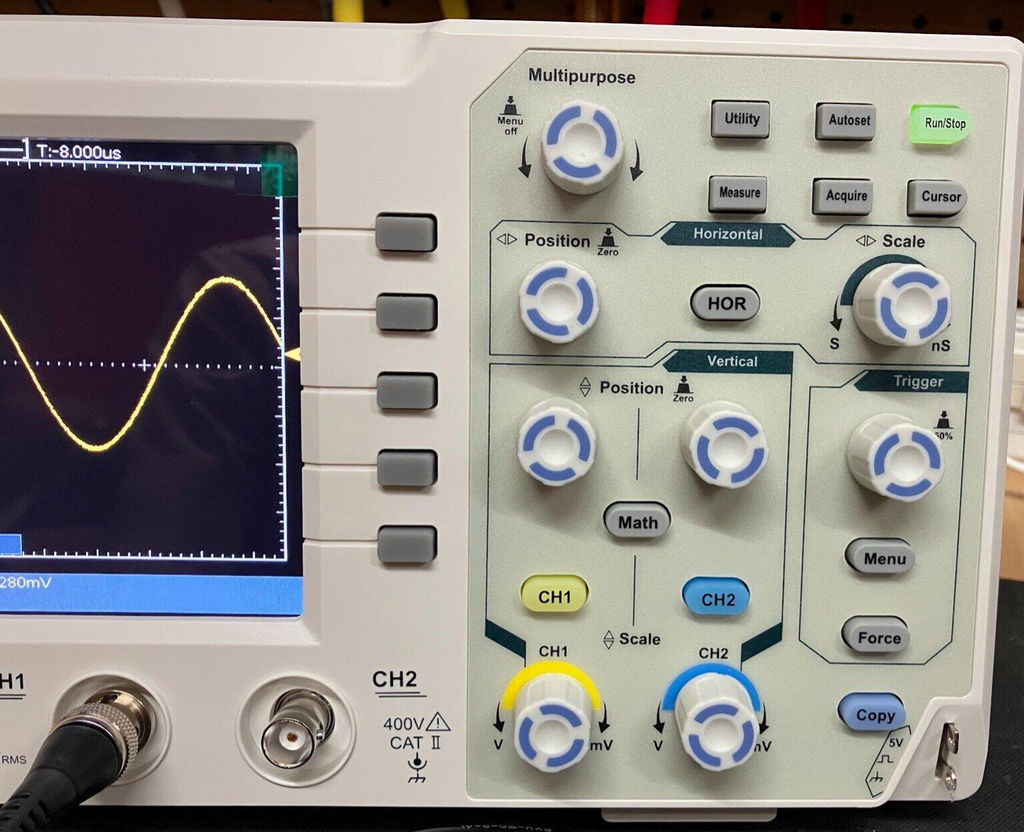
Before touching any settings, understand the three most important control groups.
These control how tall the waveform appears.
Main settings:
Volts per division (V/div)
Channel selection
Vertical position
If the waveform is too small → decrease V/div.
If it goes off screen → increase V/div.
These control how wide the waveform appears.
Main setting:
Time per division (s/div)
Fast signals need smaller time scale.
Slow signals need larger time scale.
Triggering stabilizes the waveform so it stops scrolling.
Without proper triggering, signals look unstable or moving.
Key settings:
Trigger source
Trigger level
Trigger mode
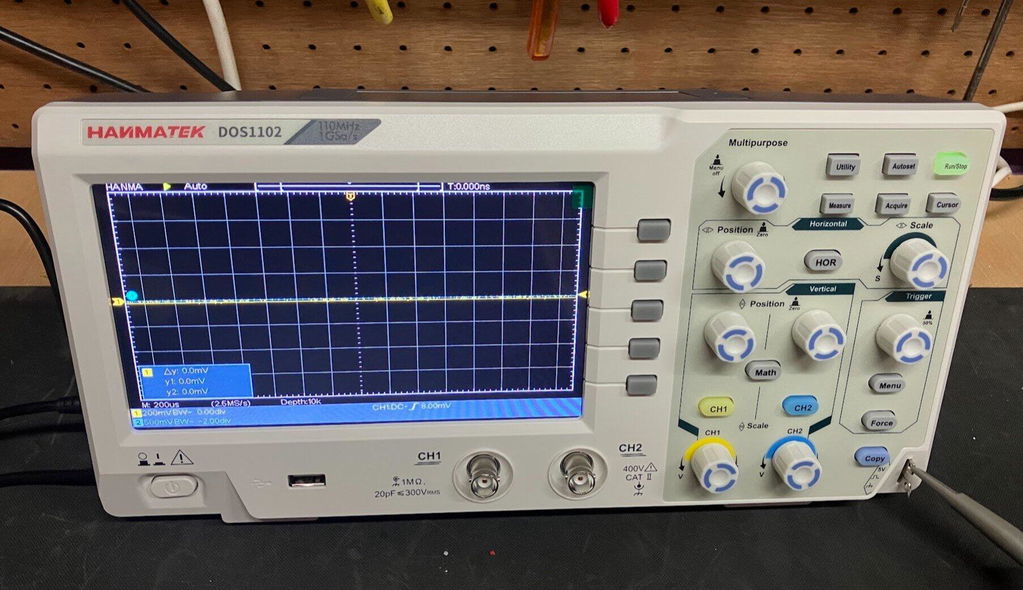
Modern Hanmatek oscilloscopes include Auto trigger, which beginners should start with.
Follow this exact sequence. It matches how engineers actually work.
Turn on the oscilloscope and wait for startup.
Recommended:
Press Default Setup or Auto Setup
This clears previous settings
Hanmatek tip:
Auto Setup quickly configures scale and trigger automatically.
Attach the probe to Channel 1.
Important safety rule:
Always connect the probe ground clip to circuit ground.
Then touch the probe tip to the signal point.
Wrong grounding can cause:
Measurement errors
Noise
Equipment damage
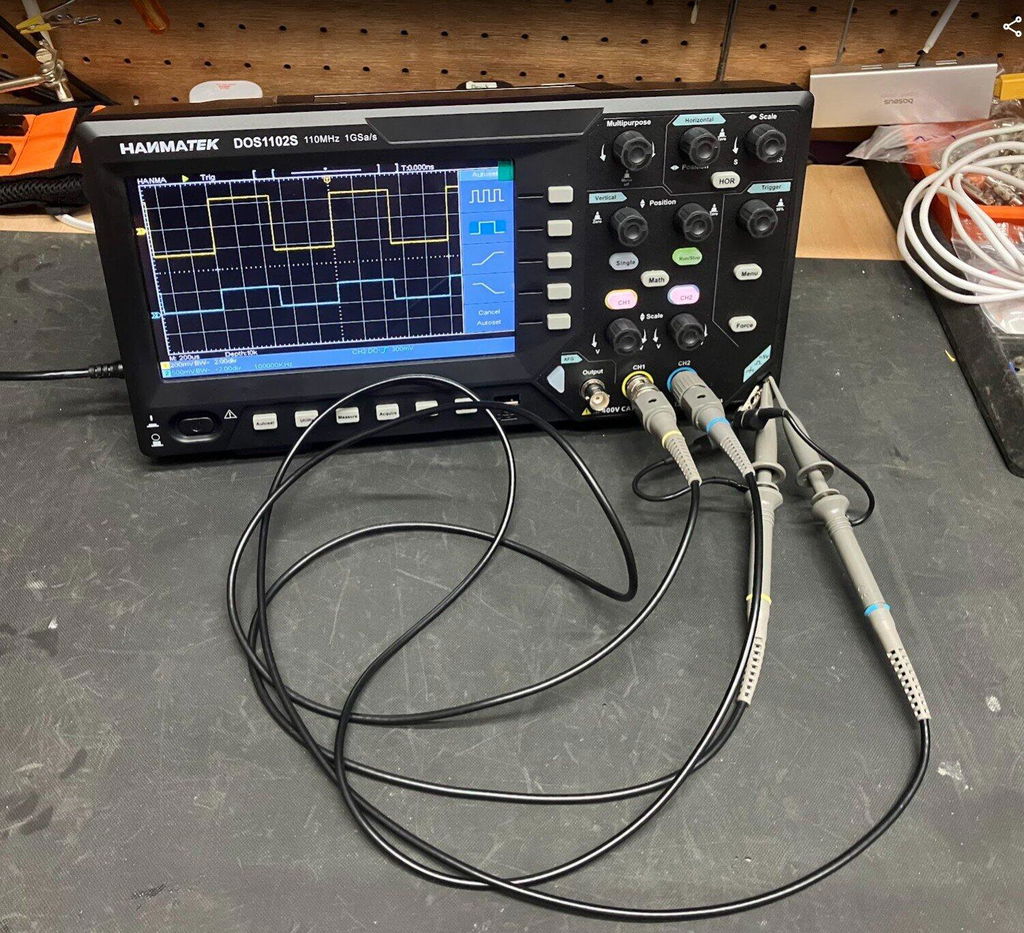
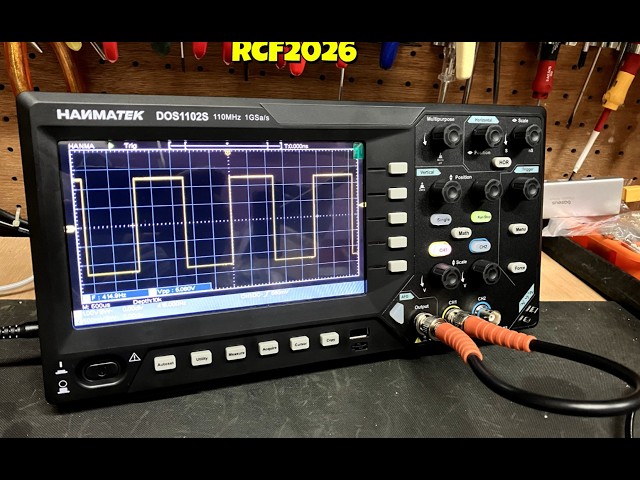
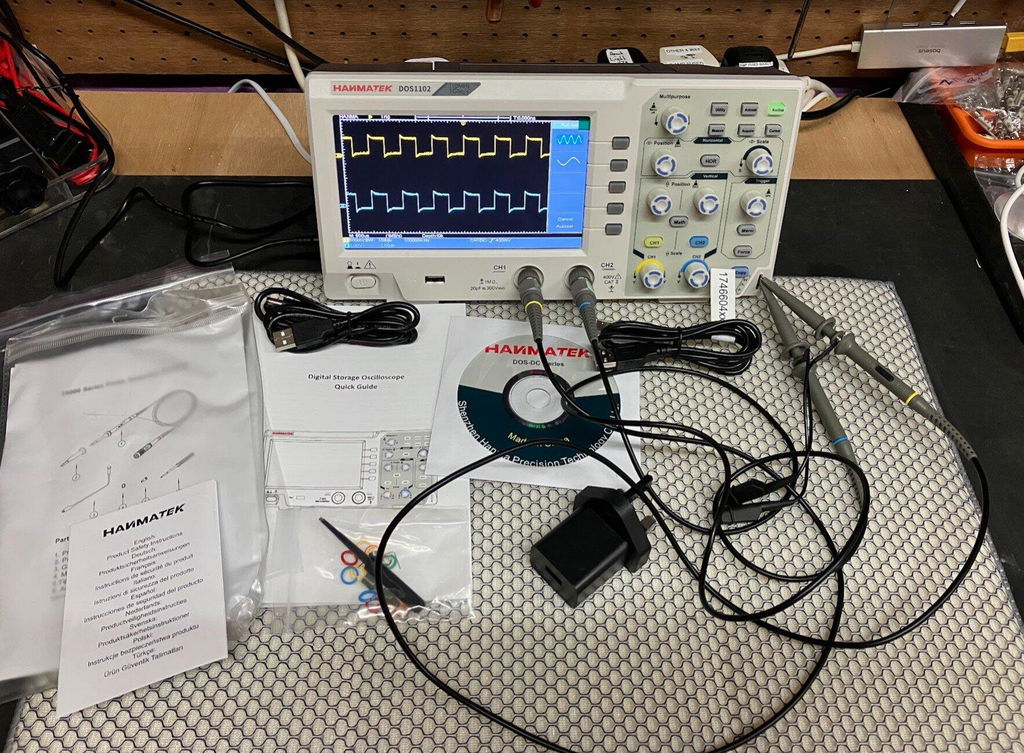
Every oscilloscope includes a test signal output.
This is usually a square wave (often 1 kHz).
Why use it?
Known stable signal
Safe to test
Perfect for learning controls
Steps:
Connect probe tip to calibration terminal
Connect ground clip
Press Auto Setup
You should see a square wave.
If not — adjust vertical and time scale.
Goal: make waveform fill screen vertically.
On Hanmatek:
Rotate V/div knob.
Too small → zoom in
Too large → zoom out
Professional tip:
Use 70–80% of screen height for best measurement accuracy.
Goal: see several cycles of waveform.
On Hanmatek:
Rotate time/div knob.
Fast signals → shorter time base
Slow signals → longer time base
Best practice:
Display 2–5 cycles clearly.
If waveform moves or rolls:
Adjust trigger level until signal locks.
Hanmatek beginner workflow:
Set trigger source = CH1
Trigger mode = Auto
Adjust level near middle of waveform
When correct → waveform stops moving.
Modern oscilloscopes calculate values instantly.
Press Measure and select:
Peak‑to‑peak voltage
RMS voltage
Maximum voltage
Hanmatek digital scopes provide one‑button measurement.
Frequency is how often signal repeats.
Method 1 (automatic):
Select Frequency measurement.
Method 2 (manual):
Measure one period
Frequency = 1 / period
After practicing calibration signal, test real circuits.
Beginner projects:
Arduino PWM output
LED blinking circuit
DC power supply ripple
Sensor output voltage
Always start with high voltage scale and reduce gradually.
Hanmatek oscilloscopes support USB storage.
You can save:
Waveform images
Measurement data
Screen captures
Useful for:
Reports
Debugging records
Comparing signals
Connect probe to PWM pin
Auto setup
Adjust time scale
Measure frequency
Measure duty cycle
To understand PWM deeper, read:
👉 How to Measure PWM Signals Accurately
Causes noise and unstable readings.
Match probe setting (1× or 10×) to oscilloscope menu.
Learn more:
👉 Oscilloscope Probe Selection Guide
Signal clipping hides real shape.
Unstable waveform = wrong trigger settings.
Hanmatek digital oscilloscopes are designed for learning and practical electronics work.
Key advantages:
Simple interface
Fast Auto Setup
Clear color display
Multi‑channel debugging
USB data saving
Excellent price‑performance ratio
For most beginners, a 4‑channel model like the DOS1104 provides long‑term flexibility.
Day 1 — Learn controls using calibration signal
Day 2 — Measure DC power supply ripple
Day 3 — Measure Arduino PWM
Day 4 — Compare two signals
Day 5 — Capture and export waveform
After one week, you will be comfortable using an oscilloscope.
No. With Auto Setup and guided practice, beginners can learn in one day.
No. They serve different purposes.
Read:
👉 Oscilloscope vs Multimeter — When to Use Each Tool
Always start with the built‑in calibration signal.
Learning how to use an oscilloscope is a foundational skill for anyone working with electronics. Once you understand voltage scale, time scale, and triggering, everything else becomes intuitive.
With modern beginner‑friendly instruments like Hanmatek digital oscilloscopes, signal measurement is faster and easier than ever.
Start simple, practice daily, and soon waveform analysis will feel natural.
Happy measuring!
{"one"=>"Seleccione 2 o 3 artículos para comparar", "other"=>"{{ count }} de 3 artículos seleccionados"}
Seleccione el primer artículo para comparar
Seleccione el segundo artículo para comparar
Seleccione el tercer elemento para comparar



Comentarios
Dejar un comentario