
Free Returns Guarantee
Free & Easy Returns
Free & Easy Returns

Getting started with your first oscilloscope can seem intimidating, but it’s one of the most important tools in electronics. Often called “the engineer’s best friend,” an oscilloscope allows you to visualize electrical signals in real time, showing how voltage changes over time. Unlike a multimeter, it reveals critical details such as noise, glitches, and timing relationships—making it essential for accurate diagnosis, design, and testing.
This guide is designed for students, hobbyists, repair technicians, and new engineers who want to build a solid foundation in using oscilloscopes. Whether you're working on Arduino projects, troubleshooting circuits, or learning the fundamentals of electronics, understanding how to choose and use an oscilloscope is a key step forward.
Thanks to advances in technology, modern digital oscilloscopes have become far more affordable, compact, and user-friendly than ever before. Brands like Hanmatek now offer powerful entry-level options that deliver excellent performance without a steep learning curve or high cost.
In this guide, we’ll cover the basics and the 15 key features you should consider before buying—with real Hanmatek examples.

Think of an oscilloscope as a camera for electrical signals. Instead of capturing images, it captures how voltage changes over time and displays it as a waveform on the screen. This allows you to see what’s happening inside a circuit—whether a signal is stable, noisy, distorted, or failing altogether.
There are two main types of oscilloscopes: analog and digital. Analog oscilloscopes display signals directly using continuous voltage, but they are now largely outdated. Digital oscilloscopes (DSOs), like most modern Hanmatek models, convert signals into digital data, allowing for advanced features such as waveform storage, automatic measurements, and FFT analysis. They are more versatile, accurate, and user-friendly, especially for beginners.
In real-world use, oscilloscopes are essential for debugging circuits, checking power supply stability, analyzing signal integrity, and troubleshooting timing issues. They’re widely used in Arduino and embedded projects, audio electronics, automotive diagnostics, and even industrial maintenance. Wherever signals matter, an oscilloscope helps you understand and fix problems faster.
Choosing your first oscilloscope isn’t just about specs—it’s about finding the right balance of performance, usability, and value. Here are the 15 key features you should understand before buying:
1. Portability – Benchtop vs Handheld vs PC-Based
Benchtop scopes offer the best performance and screen size. Handheld models are portable for fieldwork, while PC-based scopes are compact but depend on software.
Tip: Beginners often prefer benchtop for ease of use.
2. Bandwidth (50–110MHz is Enough)
Bandwidth determines the highest frequency you can measure. For most beginner projects (Arduino, audio, power), 50–110MHz is more than sufficient.
3. Sampling Rate (e.g., 1GSa/s)
This defines how many samples per second the scope captures. A 1GSa/s rate ensures accurate waveform representation for most signals.
4. Number of Channels (2 vs 4)
2 channels are enough for most users. 4 channels are useful for complex debugging but cost more.
5. Waveform Capture Rate
Higher capture rates help detect random glitches and transient issues that slower scopes may miss.
6. Memory Depth
Deeper memory allows longer signal recording with more detail—important for analyzing complex waveforms.
7. Vertical Resolution (8-bit vs 12-bit)
Higher resolution means more precise signal detail. For example, the Hanmatek AHO814’s 12-bit ADC provides finer waveform clarity than standard 8-bit scopes.
8. Screen Size & Display Quality
A 7-inch HD screen offers clearer visualization and easier navigation—especially important for beginners.
9. Triggering Capabilities
Triggers stabilize waveforms. Basic triggers are fine for simple use, while advanced triggers help capture specific events.
10. Built-in Functions
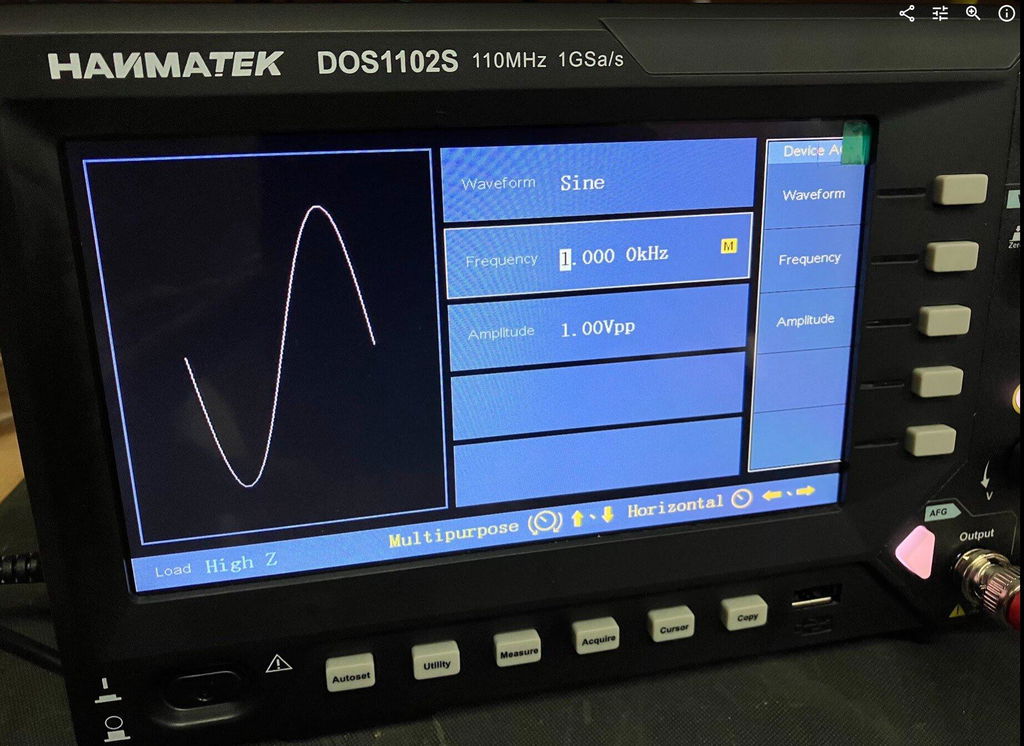
Features like FFT, math operations, protocol decoding, and signal generators expand what you can analyze and test.
11. Ease of Use & Interface
A clean UI, touchscreen, or Android-based system (like AHO814) can significantly reduce the learning curve.
12. Connectivity
USB is standard, but WiFi, LAN, and HDMI allow easier data transfer and remote control.
13. Probes & Accessories
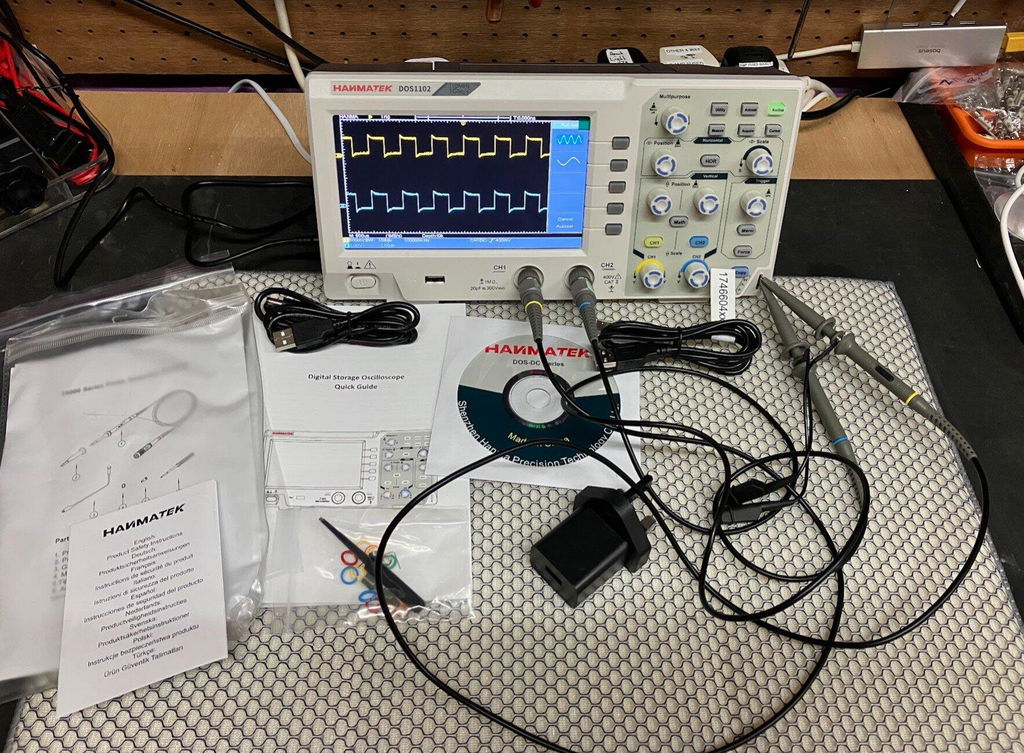
Check what’s included—quality probes and complete kits save extra cost.
14. Budget & Value
Under $200: solid entry-level scopes (e.g., basic Hanmatek models).
Under $400: better resolution, features, and build quality.
15. Expandability & Future-Proofing
Consider whether the scope will still meet your needs as your skills grow.
By understanding these features, you can confidently choose an oscilloscope that fits your current needs while leaving room to grow.
Best Overall Budget Pick:
Best Smart Multi-Function Pick:

Include a comparison table:
| Feature | DOS1102 | AHO814 |
|---|---|---|
| Channels | 2 | 4 |
| Bandwidth | 110MHz | 100MHz |
| ADC Resolution | 8-bit | 12-bit |
| Screen | 7" TFT | 7" Capacitive Touch + Android |
| Extra Functions | Basic | 5-in-1 (Protocol, DMM, etc.) |
| Best For | First-time users | Growing users & professionals |
Once you have your oscilloscope, the next step is learning how to use it safely and effectively. Don’t worry—getting your first waveform is easier than it looks.
1. Power On & Basic Setup
Turn on your Hanmatek oscilloscope and let it complete its self-check. Connect the included probe to Channel 1 and attach the ground clip to the scope’s ground reference. Most models have a built-in calibration signal (often labeled “CAL”)—this is the safest place to start.
2. Probe Setup (1X vs 10X)
Set your probe to 10X mode for most measurements. It reduces signal loading and improves accuracy. Make sure the oscilloscope’s channel setting matches (set to 10X in the menu), otherwise your readings will be incorrect.
3. Adjust Timebase & Voltage Scale
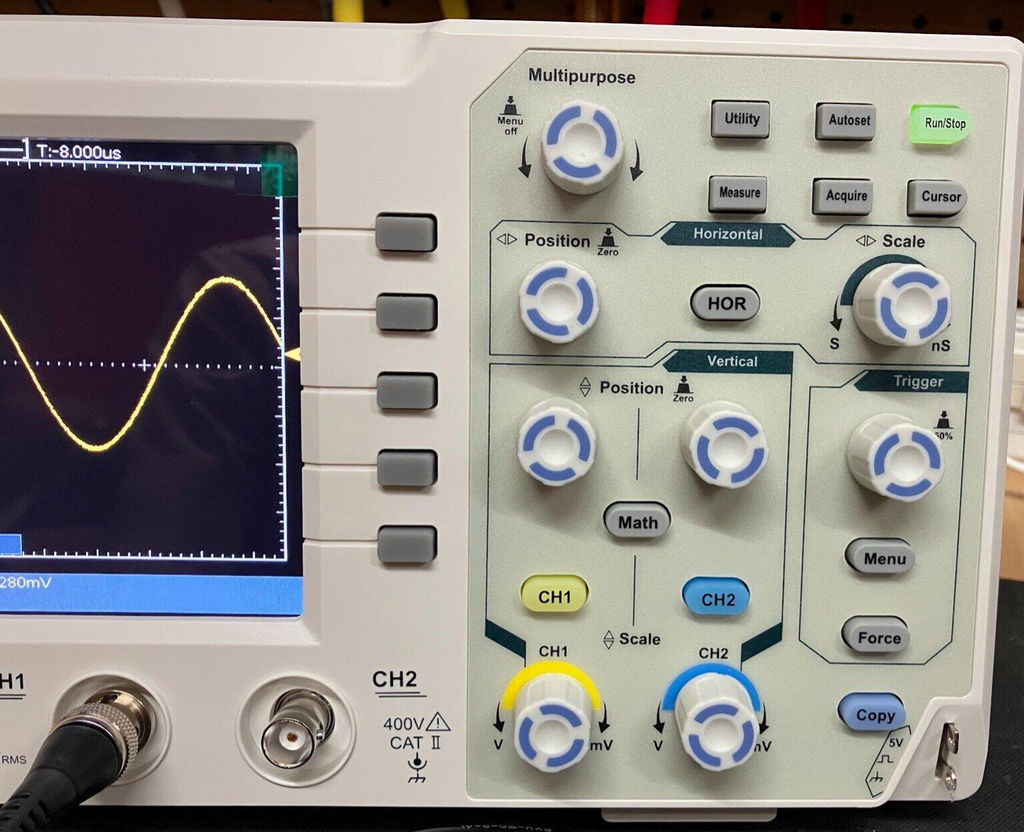
Use the timebase (horizontal scale) to control how much time is displayed, and the voltage scale (vertical) to fit the waveform on screen. Start with auto mode if available, then fine-tune manually.
4. Set the Trigger
Set the trigger to stabilize the waveform. A simple edge trigger on a rising edge is enough for most signals. Adjust the trigger level until the waveform becomes steady.
5. Read Your First Waveform (Square Wave)
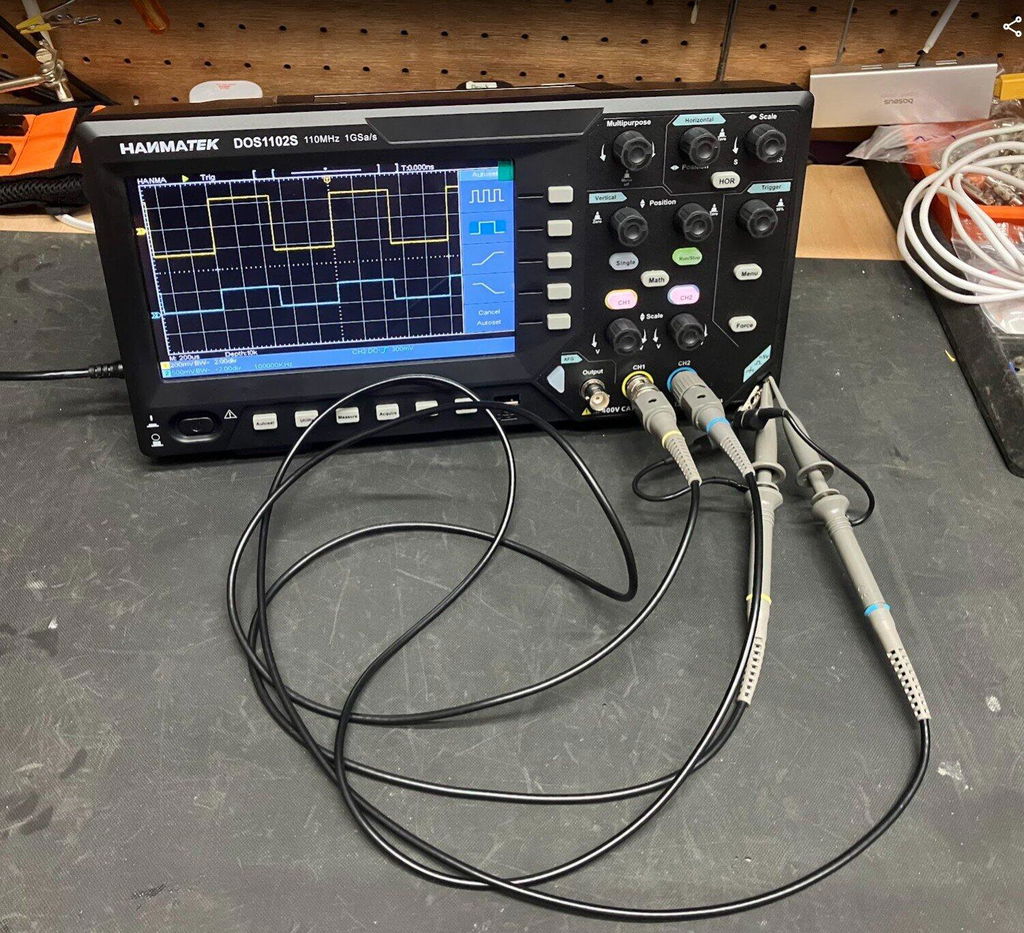
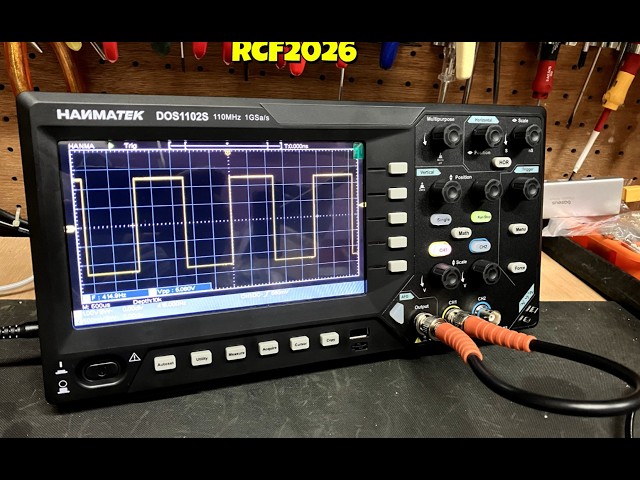
Connect to the calibration output to view a square wave. You should see clean rising and falling edges. Use automatic measurements or cursors to check frequency and voltage.
Common Beginner Mistakes to Avoid
With just a few adjustments, you’ll be able to capture and understand real signals quickly—and build confidence with every measurement.
Getting started with an oscilloscope doesn’t have to be complicated. The key is to start simple—focus on essential factors like bandwidth, number of channels, and ease of use. For most beginners, a reliable 50–110MHz, 2-channel digital oscilloscope with a clear display and basic features is more than enough to begin learning and troubleshooting effectively.
It’s also worth remembering: you don’t need a $2000 oscilloscope to get started. Modern, affordable models—especially from brands like Hanmatek—offer excellent performance for everyday electronics work, whether you're experimenting, repairing, or building projects.
As your skills grow, you’ll naturally begin to explore more advanced features, but the most important step is simply getting hands-on experience.
Next Steps:
→ Browse current deals on Hanmatek oscilloscopes
→ Check out popular models like the DOS1102 and AHO814
→ Tell us your budget and application in the comments—we’ll help you choose the best model for your needs!
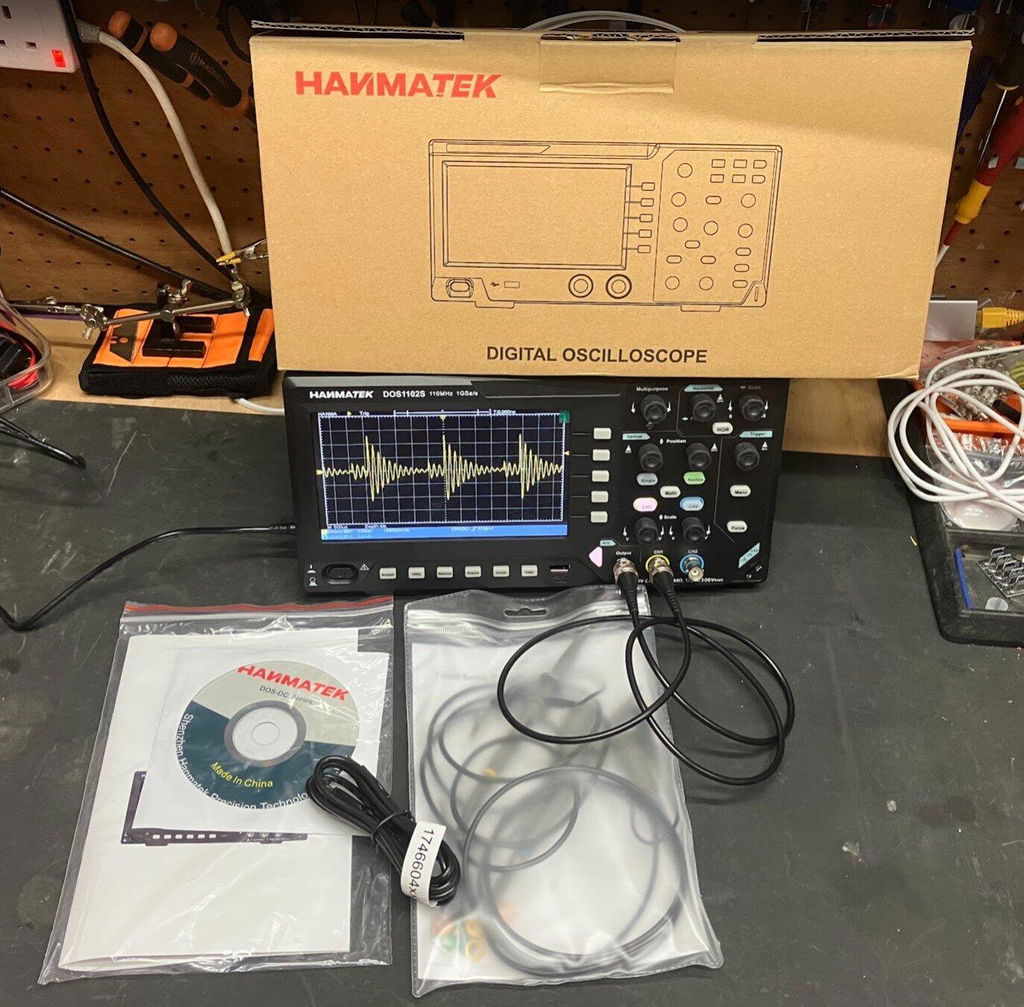
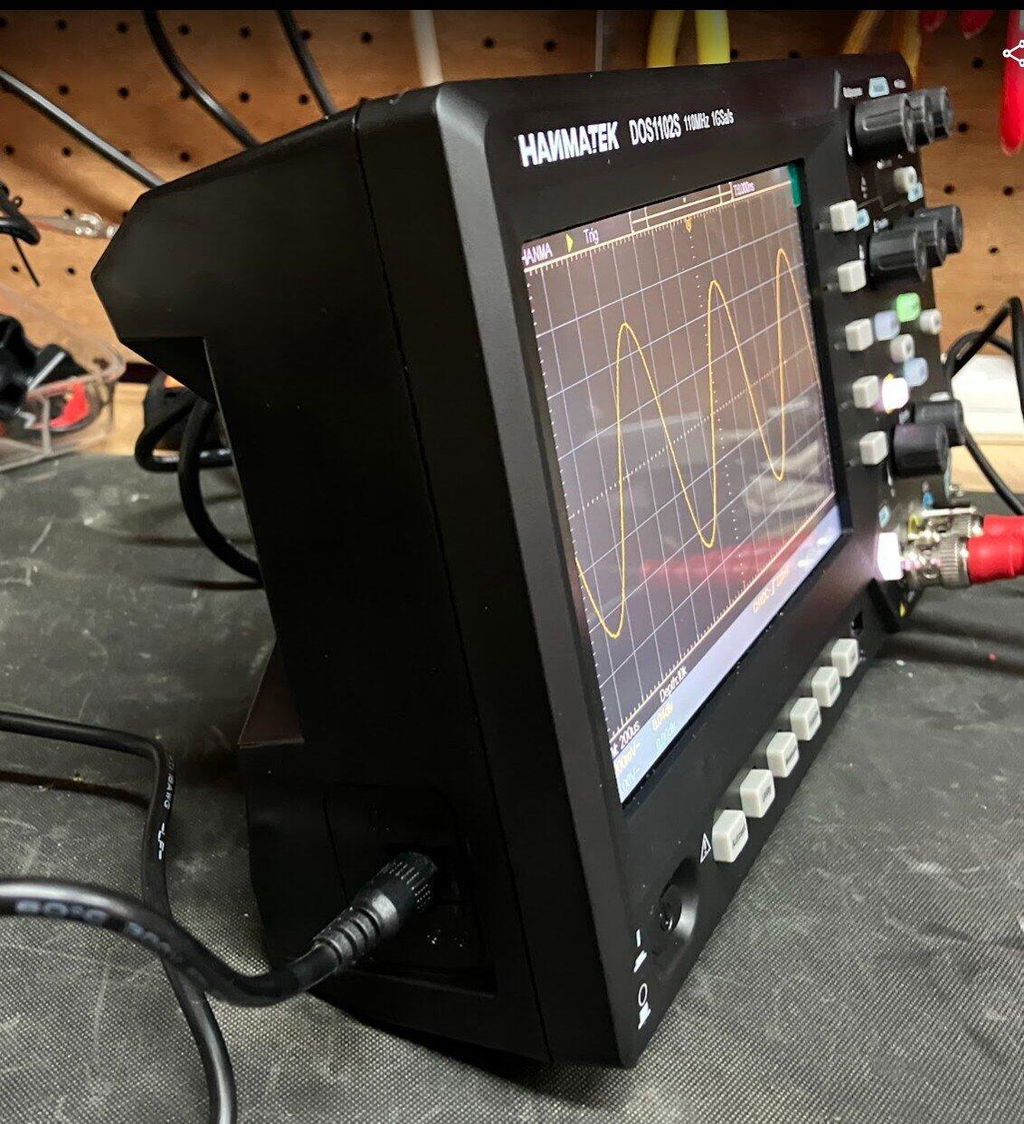
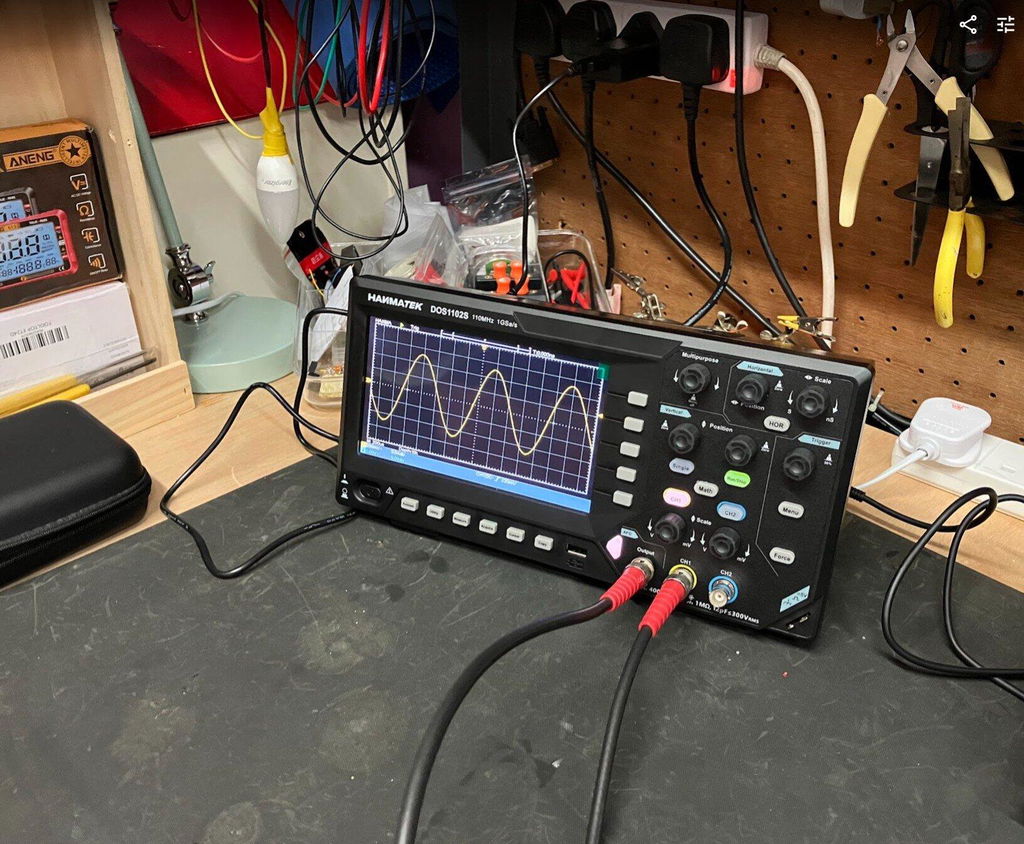
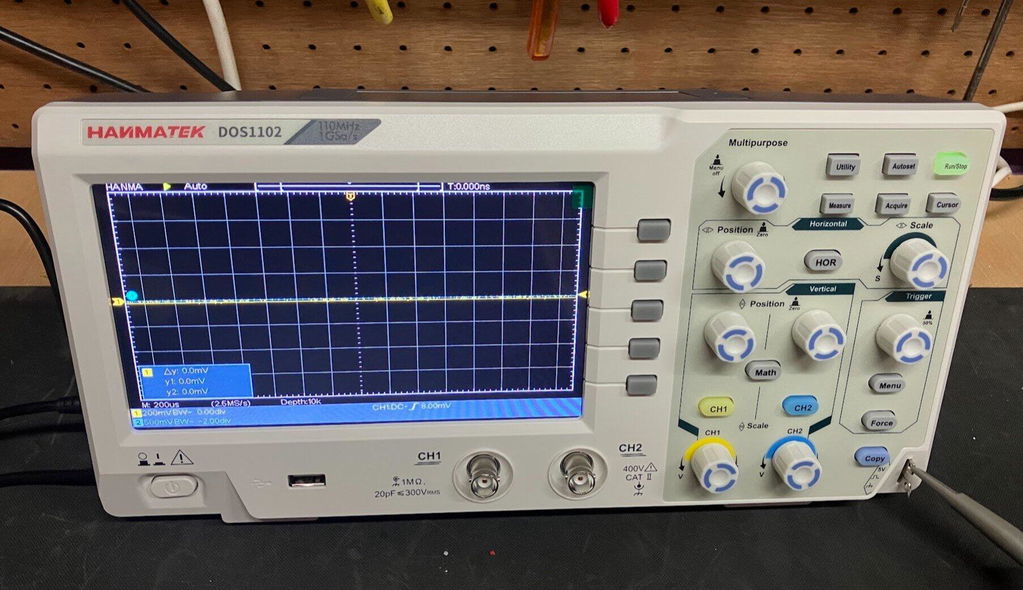
For most beginners, the HANMATEK DOS1102 is an excellent first oscilloscope. It offers 110MHz bandwidth, 2 channels, a clear 7-inch display, and beginner-friendly controls at an affordable price. Users who want more advanced features and future expandability may prefer the HANMATEK AHO814 with its 4-channel design, 12-bit resolution, and Android touchscreen interface.
For learning electronics, Arduino projects, audio circuits, power supplies, and general troubleshooting, a bandwidth between 50MHz and 110MHz is usually more than enough. Higher bandwidth models are mainly necessary for advanced RF, high-speed digital, or professional engineering applications.
Using a probe in 10X mode reduces loading on the circuit, improves signal accuracy, and allows safer measurement of higher voltages. It is the recommended default setting for most oscilloscope measurements, especially when working with digital or higher-frequency signals.
{"one"=>"Seleccione 2 o 3 artículos para comparar", "other"=>"{{ count }} de 3 artículos seleccionados"}
Seleccione el primer artículo para comparar
Seleccione el segundo artículo para comparar
Seleccione el tercer elemento para comparar



Dejar un comentario