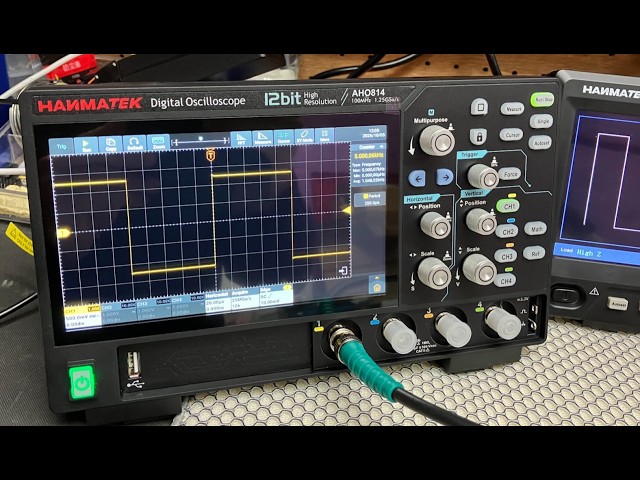


📘 Hanmatek User Guide
For Multimeters, Measurement Tools & Instruments
👋 Welcome to Hanmatek!
Thanks for choosing Hanmatek — where precision meets performance.
Whether you're a professional electrician, DIY enthusiast, or homeowner, our tools are built to deliver accurate results, durable performance, and easy usability.
📦 What's Included
Every Hanmatek product includes:
- 1× Main Device
- 1× Pair of Test Leads (if applicable)
- 1× User Manual
- 1× Batteries or Rechargeable Power (depending on model)
- 1× Carrying Case or Storage Bag (select models only)
Be sure to check the box contents before getting started.
⚠️ Safety First
Your safety is our top priority. Please:
- Use the tool only as described in the manual.
- Never exceed rated voltage/current.
- Keep away from water and high-humidity environments.
- Remove test leads before opening the unit or replacing batteries.
- Wear proper safety gear while working.
🔋 Powering Up
- Press and hold the Power button to turn on/off.
- Some models feature auto shut-off to preserve battery life.
- Replace batteries when the low battery icon appears.
📊 Using the Device
Depending on your model, you can perform the following:
Digital Multimeters:
- AC/DC Voltage & Current
- Resistance, Continuity
- Capacitance, Frequency
- Diode and Transistor Check
- Temperature (with included probe)
Laser Distance Meters:
- Distance Measurement
- Area & Volume Calculation
- Pythagorean (Indirect) Measurement
- Data Save & Recall
- Unit Switching (ft/m/in)
Environmental Meters:
- Temperature / Humidity
- Min/Max Record
- °C/°F Switching
- Backlight Display
🛠 Maintenance Tips
- Store your device in a dry, dust-free place.
- Use a soft, dry cloth to clean the surface.
- Remove batteries if storing for a long period.
- Avoid dropping or exposing the tool to extreme temperatures.
❓ Having Trouble?
| Problem | Possible Cause | Try This |
|---|---|---|
| Device won’t turn on | Battery drained | Replace battery |
| Inaccurate readings | Needs recalibration | Contact support |
| Display shows “OL” | Over limit | Switch to higher range |
| Flickering screen | Loose battery | Reinsert batteries securely |
📞 Customer Support
Need help? We’ve got your back.
Our U.S.-friendly support team is ready to assist you with product setup, troubleshooting, or warranty claims.
📧 Email: support@hanmatek.com
🌐 Website: www.hanmatek.com
📍 Service Hours: Mon–Fri, 9 AM – 6 PM (PST)
🛡 Warranty Info
All Hanmatek tools are backed by a 1-year limited warranty.
Please keep your purchase confirmation email or receipt for warranty claims. Full details are available on our Warranty Page.
Thanks again for choosing Hanmatek — Precision tools designed for real-world performance.
💡 Explore tips, how-to videos, and updates on our website.