
Garantie de retour gratuit
Free & Easy Returns
Free & Easy Returns

If you're searching for a HO102S review or exploring a reliable handheld oscilloscope multimeter combo, the Hanmatek HO102S stands out as a versatile, portable 3-in-1 tool that packs serious value. Combining a 100 MHz dual-channel oscilloscope, a high-count digital multimeter, and a 25 MHz waveform generator into one compact device, it's designed for engineers, technicians, hobbyists, and field service pros who need powerful diagnostics without lugging around heavy bench equipment.
In this detailed review, we'll dive into the key aspects—screen quality, channel performance, storage capabilities—and share actual measurement examples from real-world use. Whether you're troubleshooting automotive sensors, debugging circuits, or teaching electronics, the HO102S delivers impressive performance in a lightweight package.
Right out of the box, the HO102S feels solid and well-built. The package includes:
At just around 600-700g, it's truly portable—fits easily in a toolkit or backpack. The build quality is reassuring for field use, with a rugged feel and good button responsiveness.
The 3.5-inch TFT HD LCD screen (320x240 resolution, 65,535 colors) is one of the HO102S's strongest features. Waveforms appear sharp and vibrant, with excellent contrast even in bright outdoor light or dim workshops. The backlighting adjusts nicely, and the interface is intuitive—menus are logical, and one-key auto-setup quickly optimizes waveforms for quick analysis.
In practice, the display handles dual-channel views smoothly without clutter. Text and measurements are large enough for quick glances during fieldwork.
With 100 MHz bandwidth and a real-time sampling rate of 250 MSa/s, the HO102S captures signals faithfully up to its rated frequency. The dual independent channels allow simultaneous viewing of two signals—perfect for comparing inputs/outputs, clock vs. data lines, or differential measurements.
Triggering is reliable (edge, pulse, video modes), and features like math functions (add/subtract/multiply) and FFT analysis add depth for frequency-domain work. Vertical resolution is solid, and the 8K memory depth provides decent capture length for zooming into transients.
The built-in memory supports saving up to dozens of waveforms, setups, and screenshots—great for documenting issues or comparing before/after fixes. Files transfer easily via USB Type-C to a PC for further analysis or reporting. This is especially useful in field service where you need to log data without a laptop nearby.
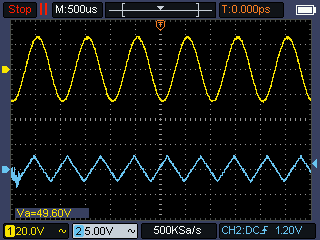
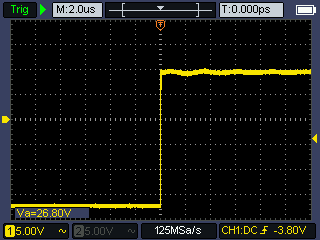
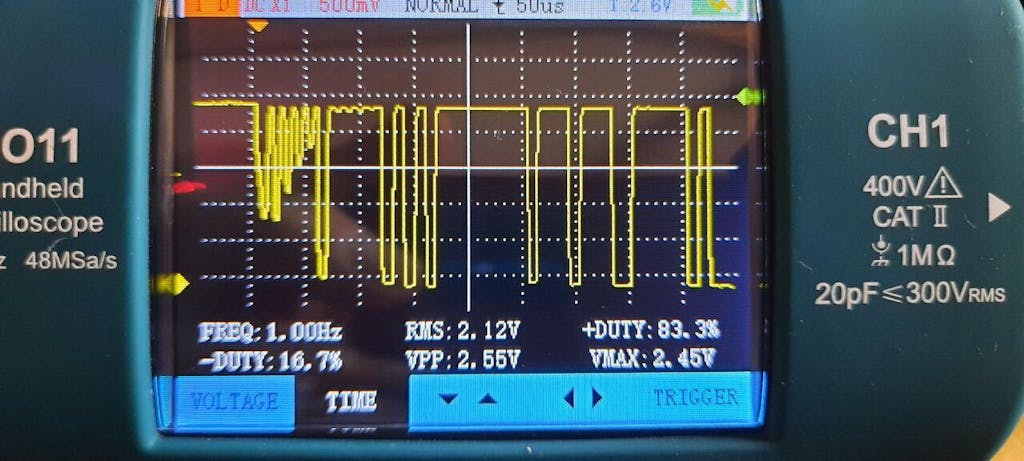
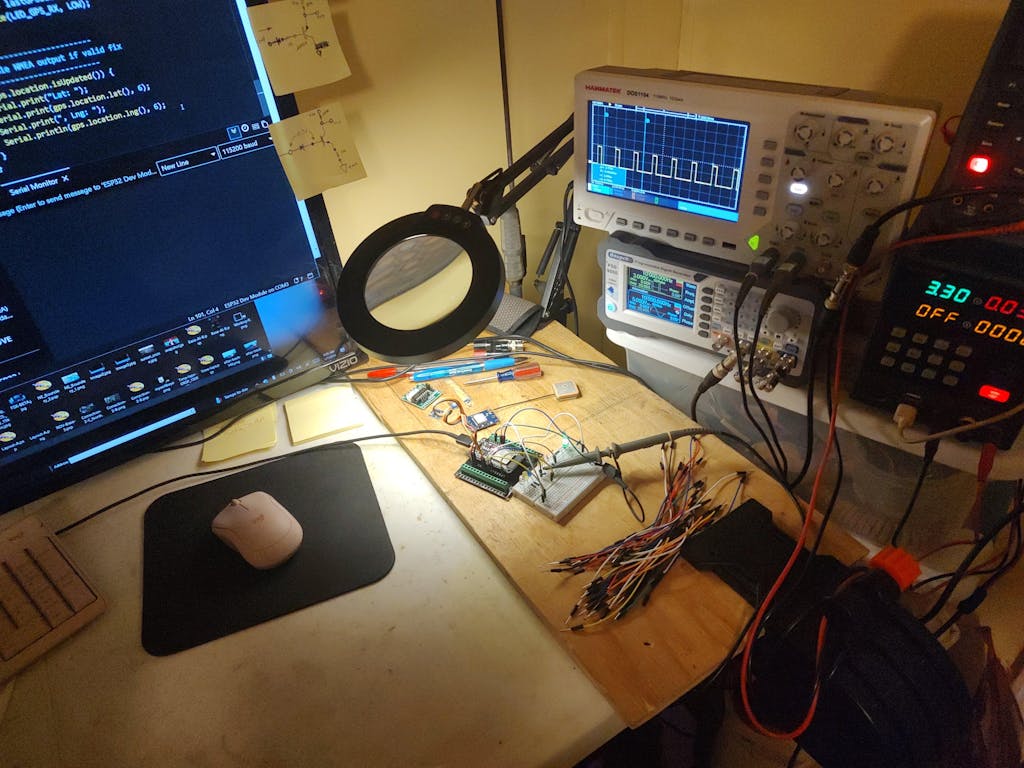
Here are some practical tests that showcase the HO102S in action:
Pros:
Cons:
The Hanmatek HO102S excels as a portable, all-in-one solution for everyday electronics work. It punches above its weight with reliable oscilloscope performance, a capable multimeter, and bonus waveform generation—all in a device that's easy to carry and use. If you're upgrading from basic tools or need a field-friendly alternative to expensive bench scopes, this is a smart pick.
Ready to experience the HO102S yourself? Check out the full specs and grab yours today: Buy the Hanmatek HO102S 3-in-1 Handheld Oscilloscope
Have you tried the HO102S? Share your thoughts in the comments!
{"one"=>"Sélectionnez 2 ou 3 articles à comparer", "other"=>"{{ count }} éléments sélectionnés sur 3"}
Sélectionnez le premier élément à comparer
Sélectionnez le deuxième élément à comparer
Sélectionnez le troisième élément à comparer


Laisser un commentaire