
Garantie de retour gratuit
Free & Easy Returns
Free & Easy Returns

An oscilloscope is one of the most powerful and essential tools in electronics. It allows you to visualize electrical signals as waveforms on a screen, turning invisible voltage changes over time into clear, understandable graphs. Whether you're a student, hobbyist, engineer, or technician, an oscilloscope helps you measure, analyze, debug, and verify circuits with precision.
At its core, an oscilloscope displays voltage versus time. From this basic view, you can extract a wealth of information about any signal:
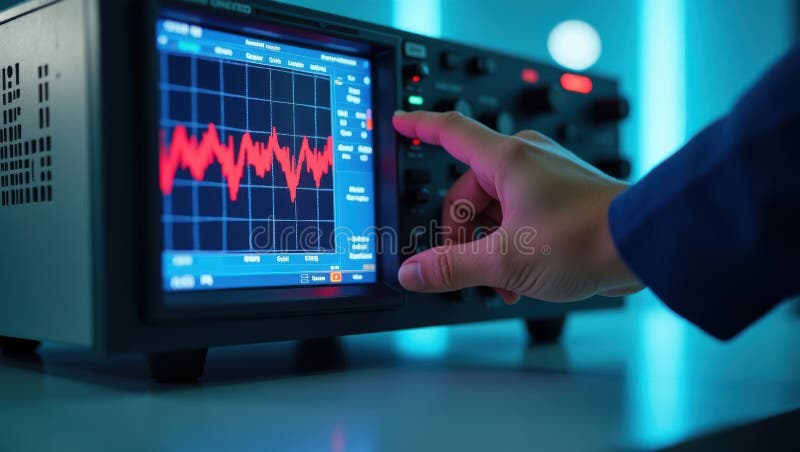
Here's a classic example of a digital oscilloscope displaying a clean waveform in a lab environment — notice the clear grid, automatic measurements, and detailed signal view:
The Hanmatek DOS Series delivers professional-grade performance at an accessible price, making it ideal for beginners, educators, and working professionals. Key advantages include:
Popular models include:
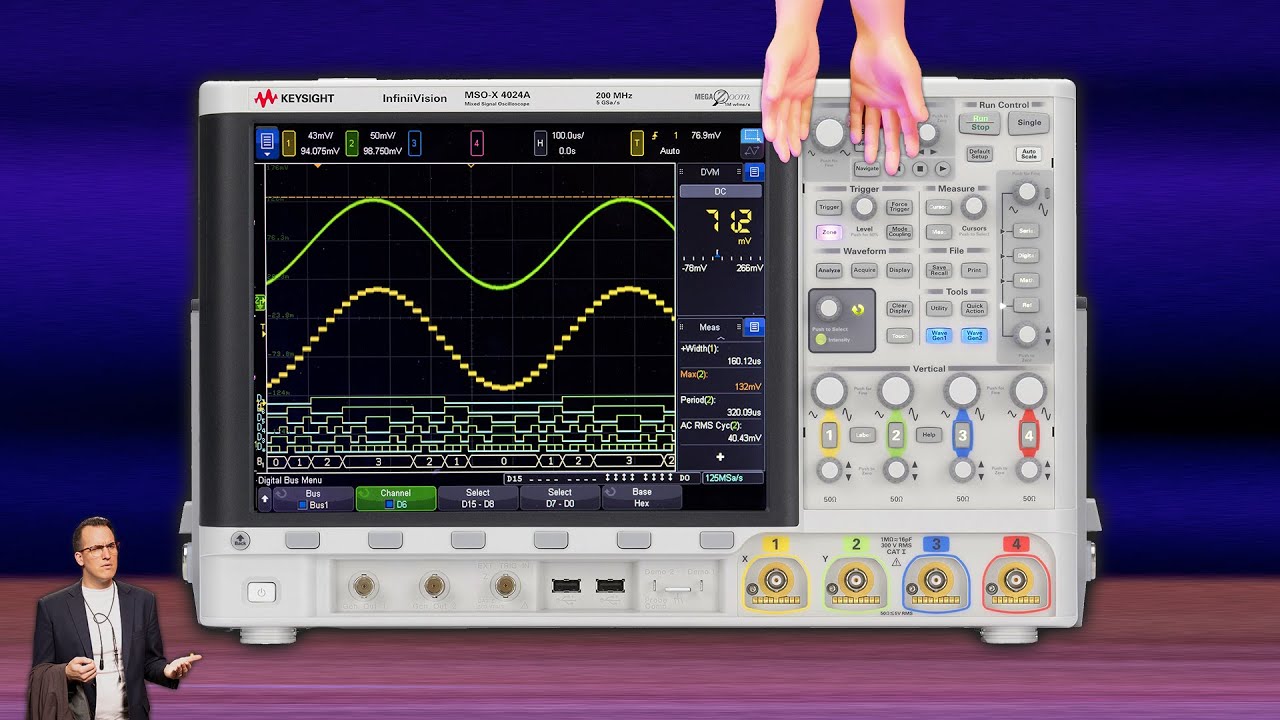
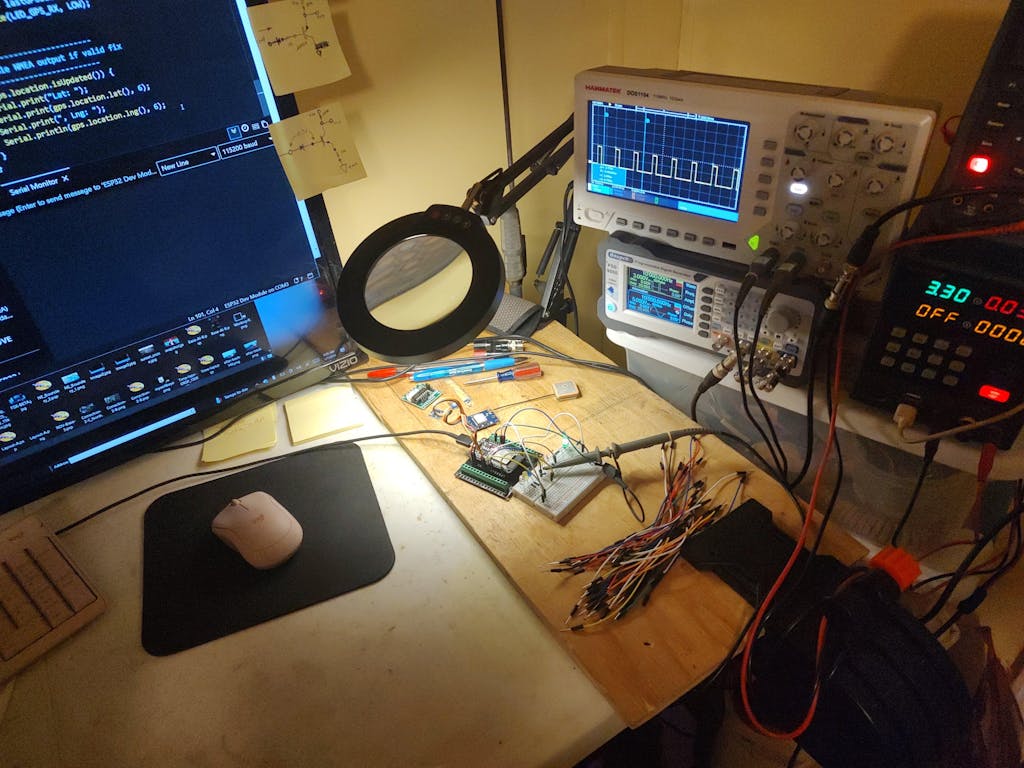
See the Hanmatek DOS1104 in real-world use — compact, bright screen, and ready for any project:
And a beginner-friendly setup with clear, colorful waveform display:
Oscilloscopes are used across many fields — here are the most popular:
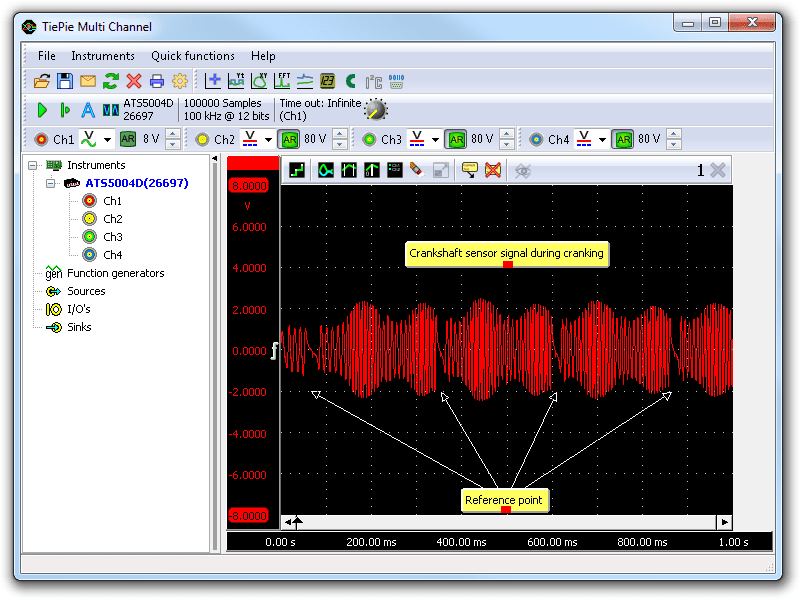
Example: Automotive use — viewing a crankshaft sensor signal waveform:
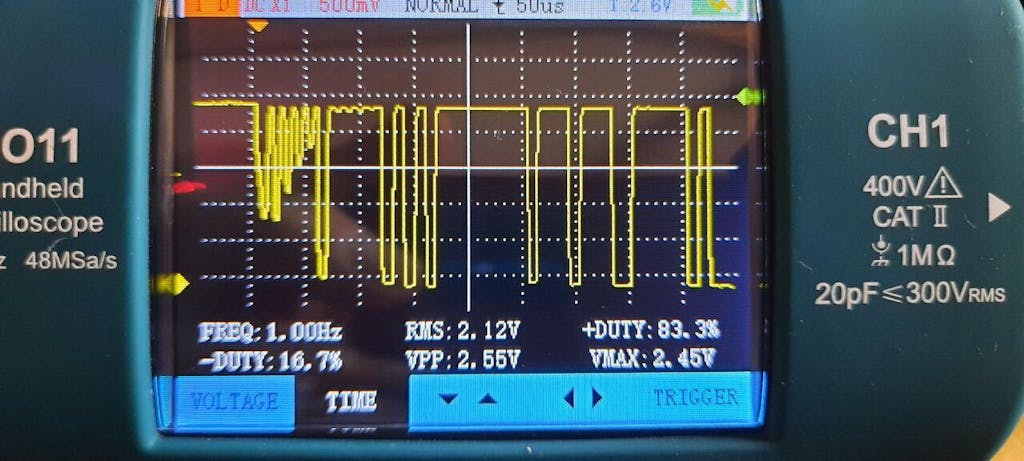
Example: Audio/PWM signal analysis — smooth sine-like wave from PWM output:
An oscilloscope is indispensable for anyone serious about understanding or working with electronics. It reveals what multimeters can't — the full dynamic behavior of signals.
For a balance of performance, ease of use, and value in 2026, the Hanmatek DOS Series stands out as a top choice for beginners through professionals.
Q1: What is an oscilloscope used for in electronics? It visualizes voltage signals over time to analyze shape, frequency, amplitude, timing, and noise. The Hanmatek DOS Series excels at electronics testing, repair, and development.
Q2: What does an oscilloscope measure? Primarily voltage vs. time, but also frequency, rise/fall times, phase, distortion, and more. Models like the Hanmatek DOS1202 deliver high-precision data.
Q3: Can I use an oscilloscope for automotive diagnostics? Yes — perfect for sensors, ignition, and communication buses. A portable option like the Hanmatek DOS1102S is ideal for garage or field work.
Q4: Which oscilloscope is best for beginners? Look for simple controls, clear display, and sufficient bandwidth. The Hanmatek DOS1104 (4 channels, intuitive UI) is a fantastic all-rounder for students and hobbyists.
Ready to see signals clearly? Explore the Hanmatek DOS Series today and take your electronics skills to the next level! 🚀
An oscilloscope is used to measure and display electrical voltage signals over time. It helps engineers, technicians, and hobbyists analyze waveform shape, frequency, amplitude, and noise levels. The Hanmatek DOS Series Oscilloscopes are ideal for electronics testing, repair, and development.
Oscilloscopes primarily measure voltage, but they also allow you to determine signal frequency, timing, rise/fall times, and distortion. For high-accuracy measurements, the Hanmatek DOS1202 provides precise data for advanced diagnostics.
Yes. An oscilloscope can check ignition signals, sensor outputs, and communication signals in vehicles. A portable model like the Hanmatek DOS1102S is perfect for on-site automotive work.
For DIY and entry-level use, choose a model with simple controls, a clear display, and enough bandwidth for your projects. The Hanmatek DOS1104 is a great all-rounder for both hobbyists and students.
Yes, absolutely. With 110 MHz analog bandwidth and a full 1 GSa/s real-time sampling rate across both channels, the DOS1102 easily captures clean UART, I²C, SPI, CAN, and LIN waveforms—even at 20–50 MHz clock rates. The 240kpts memory depth and advanced serial decoding option (available on DOS1102S) make it a favorite among embedded developers and automotive technicians.
Users consistently praise the bright 7-inch 800×480 color TFT display for being sharp, responsive, and easy to read from any angle. The menu system is intuitive (very similar to mainstream brands), and most functions are reachable in 1–2 button presses. Even beginners and students pick it up in minutes, while professionals appreciate the fast waveform update rate and clean layout.
Yes—both are fully supported. Plug in any USB flash drive to the front USB Host port and you can instantly save: Save waveforms (CSV or binary) Save screenshots (BMP) Save/setups Perform firmware upgrades (Hanmatek regularly releases free updates with new features and improvements) No special software required. Copy & paste these directly onto your DOS1102 product page—they answer the top buyer questions and help close sales!
{"one"=>"Sélectionnez 2 ou 3 articles à comparer", "other"=>"{{ count }} éléments sélectionnés sur 3"}
Sélectionnez le premier élément à comparer
Sélectionnez le deuxième élément à comparer
Sélectionnez le troisième élément à comparer



Laisser un commentaire