
Garantie de retour gratuit
Free & Easy Returns
Free & Easy Returns

From ChatGPT-powered smart devices and AI robots to ESP32 and STM32 development boards, more people than ever are entering the world of electronics DIY.
Across YouTube, TikTok, and maker communities worldwide, one of the hottest trends is:
"Building your own electronic devices."
Whether you're creating smart home products, robotics projects, drones, or embedded systems, hands-on hardware development has become more accessible than ever.
However, beginners and experienced makers often encounter the same frustrating question:
Why isn't my circuit working?
When troubleshooting a project, many makers typically:
Sometimes spending hours—or even days—trying to find the problem.
In reality, the issue may simply be:
These problems occur on a microsecond timescale and are invisible to a standard multimeter.
Only an oscilloscope can reveal what's really happening inside your circuit.
An oscilloscope is often called the "eyes of an electronics engineer."
By visualizing electrical signals in real time, you can quickly diagnose issues and optimize system performance.
Verify whether communication protocols are working correctly, including:
Instead of guessing, you can directly observe data transmission and timing relationships.
Power issues are among the most common causes of unstable systems.
An oscilloscope helps you check:
This is especially useful for embedded systems and AI hardware projects.
PWM signals are widely used in:
An oscilloscope allows you to verify frequency, duty cycle, and signal integrity instantly.
For hobbyists, students, and engineers, flexibility and value matter.
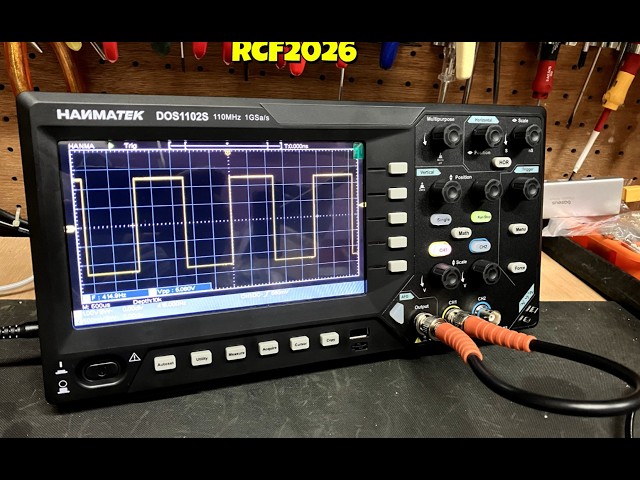
The Hanmatek HO102S combines three essential test instruments into a single portable device:
🔗 Product Link:
https://hanmatek.com/collections/oscilloscope/products/hanmatek-3in1-handheld-100mhz-2ch-oscilloscope-multimeter-ho102s-3-5tft-memory
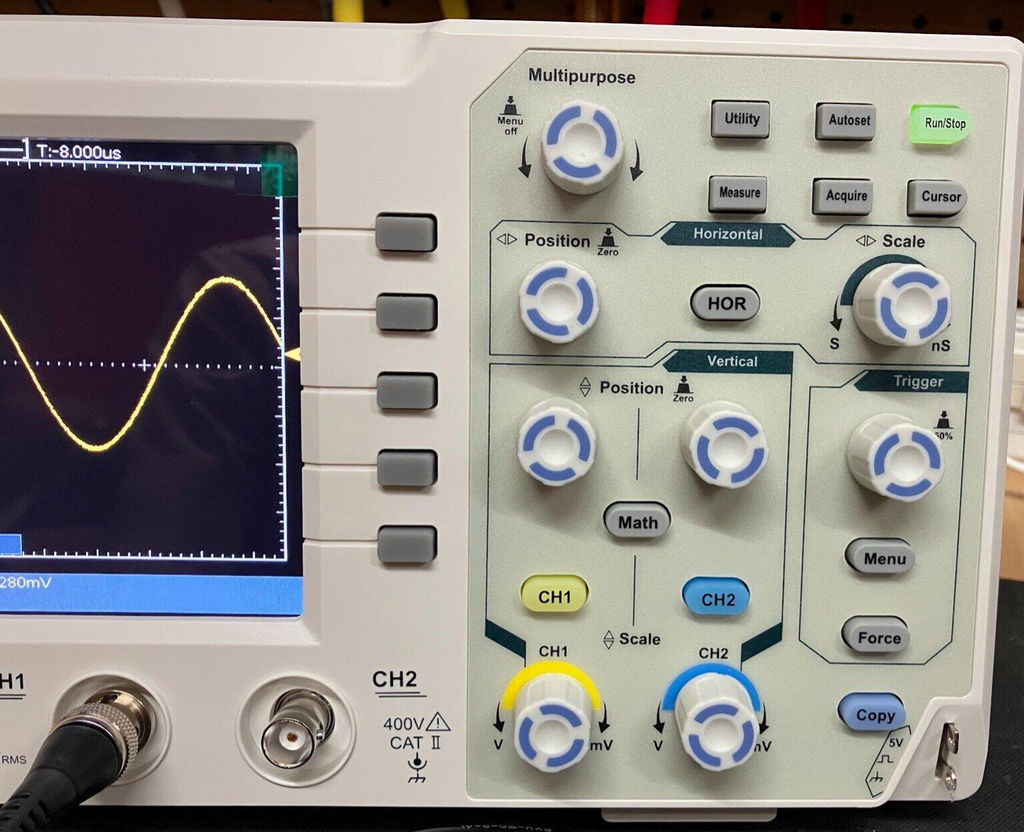
The HO102S offers:
This performance is ideal for:
With two channels available, you can simultaneously monitor:
This makes it easier to identify where a problem originates and significantly speeds up debugging.
Many entry-level oscilloscopes do not include a signal generator.
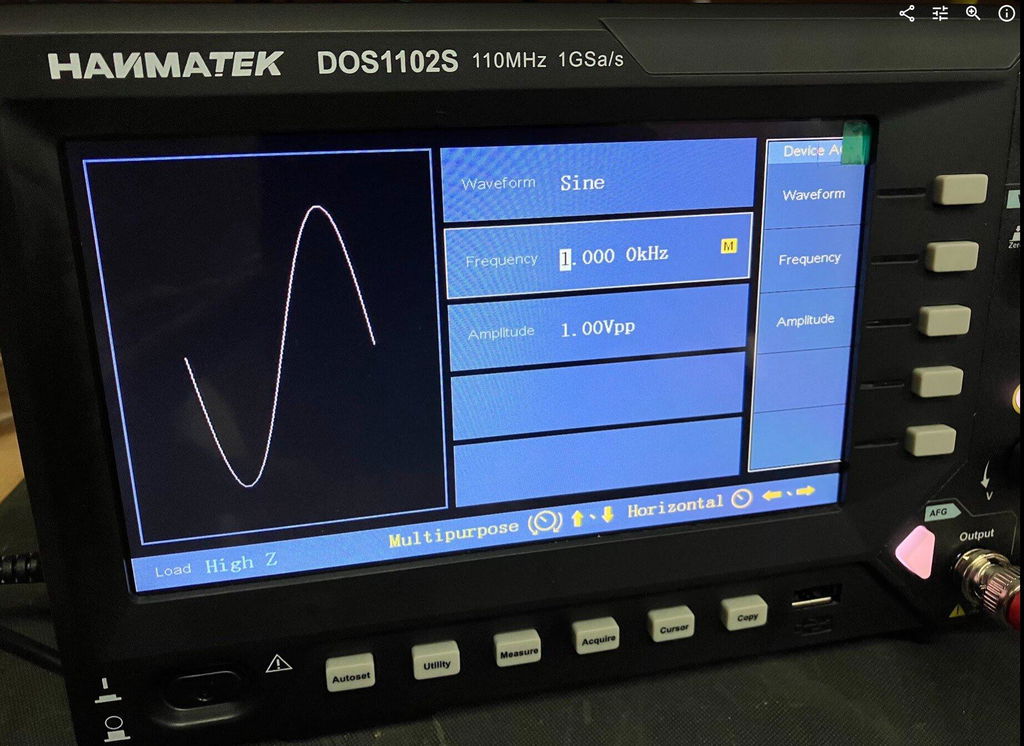
The HO102S can generate:
For example, when testing operational amplifier circuits or signal-processing designs, you can output test signals directly without purchasing a separate function generator.
This saves both money and workspace.
The built-in multimeter provides:
By combining multiple tools into one device, your workspace stays cleaner and more organized.
Debug and analyze:
Test and verify:
Analyze communication modules such as:
Ensuring reliable connectivity and performance.
Observe in real time:
Helping beginners understand electronics concepts more quickly and intuitively.
Purchasing separate instruments often requires investing in:
This can significantly increase costs, especially for students and hobbyists.
The Hanmatek HO102S integrates all three functions into a single portable device, offering:
✔ Space-saving design
✔ Lower equipment costs
✔ Improved debugging efficiency
✔ Convenient portability
✔ Greater versatility for everyday projects
As AI hardware, robotics, IoT devices, and DIY electronics continue to grow in popularity, mastering electronic testing tools has become an important step for every maker.
With its combination of:
✅ 100MHz Dual-Channel Oscilloscope
✅ True RMS Digital Multimeter
✅ Built-In Signal Generator
the Hanmatek HO102S delivers a practical and cost-effective solution for students, electronics enthusiasts, engineers, and creators.
Whether you're learning electronics, developing embedded systems, building robots, or debugging communication interfaces, the HO102S provides the tools needed to diagnose problems faster and complete projects more efficiently.
Learn more about the Hanmatek HO102S:

If you're looking to understand your circuits better, troubleshoot with confidence, and accelerate your development workflow, the HO102S is a tool worth considering for your workbench.
{"one"=>"Sélectionnez 2 ou 3 articles à comparer", "other"=>"{{ count }} éléments sélectionnés sur 3"}
Sélectionnez le premier élément à comparer
Sélectionnez le deuxième élément à comparer
Sélectionnez le troisième élément à comparer


Laisser un commentaire