
Free Returns Guarantee
Free & Easy Returns
Free & Easy Returns

Pulse Width Modulation (PWM) is a fundamental technique used in electronics to control power delivered to devices, such as motors, LEDs, and power supplies. Measuring PWM signals accurately is critical for debugging, performance analysis, and optimization.
With a Hanmatek digital oscilloscope, beginners can easily visualize and measure PWM signals to understand frequency, duty cycle, and amplitude. This hands-on guide will walk you through the complete process step by step.
By the end of this guide, you will be able to:
Safely connect an oscilloscope probe to a PWM circuit
Display a stable PWM waveform
Measure frequency and duty cycle
Analyze signal quality
Troubleshoot PWM-related issues
PWM controls the average power delivered to a load by switching the signal on and off at high frequency. Key parameters to measure include:
Frequency (Hz): How fast the PWM signal cycles
Duty Cycle (%): The proportion of the ON time versus total period
Amplitude (V): Voltage swing of the signal
Correct measurement ensures devices operate safely and efficiently.
Always connect the ground clip of the probe to the circuit ground.
Attach the probe tip to the PWM output pin.
For Hanmatek probes, ensure 1×/10× attenuation matches the scope input setting.
Incorrect grounding or probe setting may cause inaccurate readings or damage.
Turn on the oscilloscope.
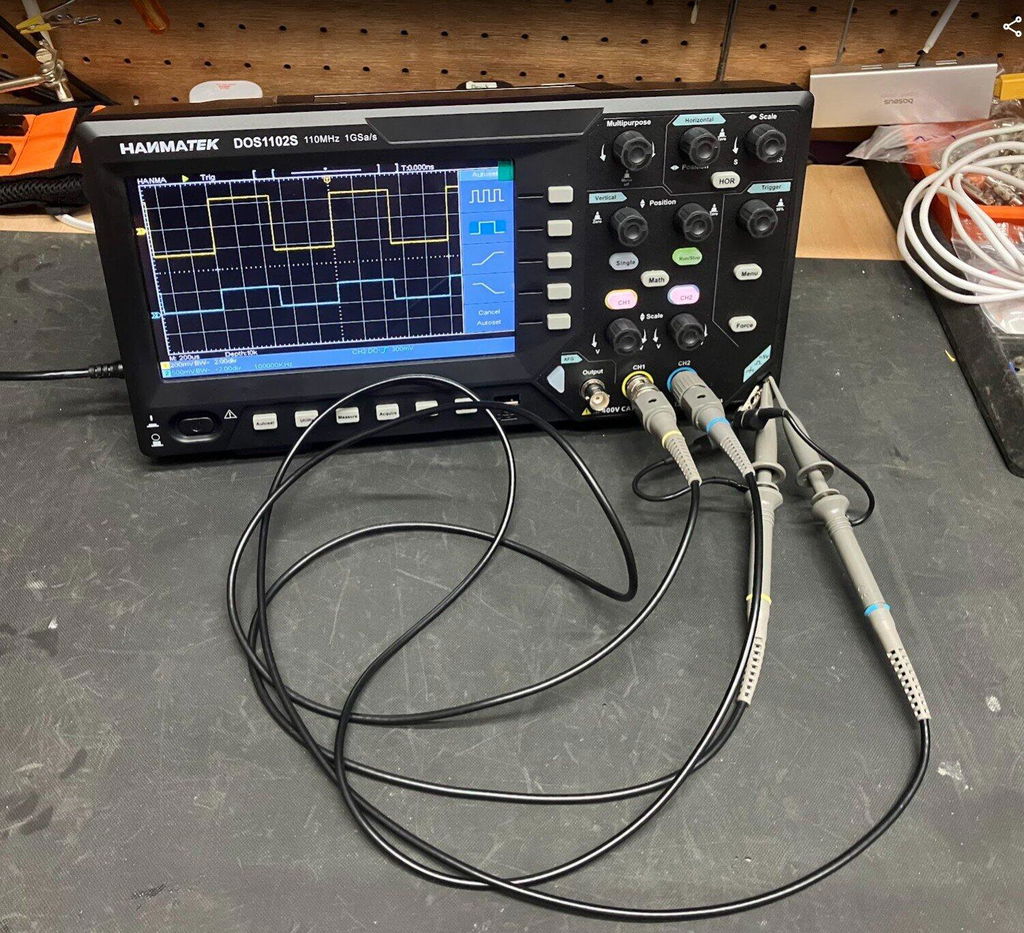
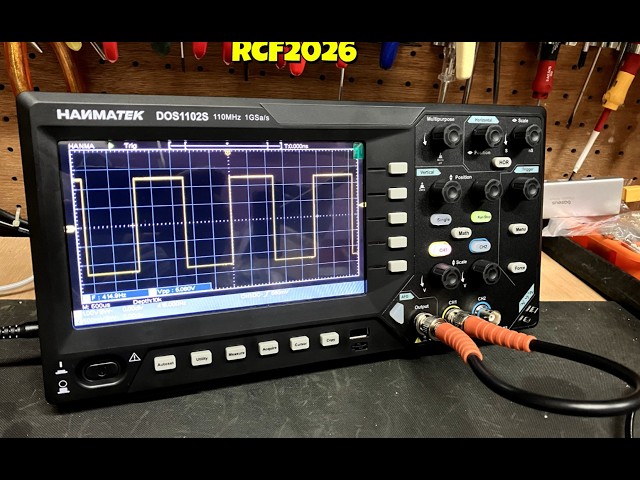
Press Auto Setup to quickly display the PWM waveform.
Auto Setup automatically adjusts voltage and time scales for beginners.
Use V/div knob to fit the waveform vertically.
Start with a higher voltage per division if unsure.
For Hanmatek DOS series, the touchscreen allows intuitive scaling.
Use Time/Div knob to display at least 2–5 PWM cycles.
Faster PWM signals need smaller time/div; slower signals need larger time/div.
Set trigger source to the channel connected to PWM.
Use Auto trigger mode for beginners.
Adjust trigger level near mid-voltage of PWM waveform.
A stable waveform allows accurate frequency and duty cycle measurements.
Use the Measure → Frequency function if available.
Or calculate manually: Frequency = 1 / Period
Duty cycle (%) = (High Time / Period) × 100
Many Hanmatek oscilloscopes provide automatic duty cycle measurement under Measure → Duty Cycle.
Peak-to-peak voltage = top voltage - bottom voltage
RMS voltage measurement is optional for power analysis
Connect probe to PWM output pin on Arduino
Auto Setup → Adjust time and voltage scale
Measure duty cycle at different PWM settings
Probe the motor driver PWM pin
Analyze frequency stability
Measure duty cycle vs motor speed
Check amplitude and duty cycle
Ensure smooth brightness control
Probe switching node
Capture ripple and PWM duty changes under load
Capture and analyze waveform to verify timing accuracy
Repeat similar steps for other circuits like servo control, fan control, or buck/boost converters.
Incorrect grounding: Causes floating signals, noise, or damage.
Wrong probe attenuation: Ensure probe setting matches oscilloscope input.
Time scale too wide or narrow: Leads to inaccurate period and duty cycle measurement.
Ignoring trigger settings: Unstable waveform leads to wrong measurements.
Auto Setup: Quickly displays stable PWM waveform.
Multi-channel capture: Compare PWM input and output signals simultaneously.
USB storage: Save waveform and measurement data for analysis.
Touchscreen scaling: Quickly zoom in/out to visualize waveform details.
Day 1 — Measure calibration square wave using Auto Setup
Day 2 — Measure Arduino PWM LED signal
Day 3 — Test DC motor PWM control
Day 4 — Capture switching power supply PWM
Day 5 — Save and analyze waveforms, check frequency and duty cycle
Accurate PWM measurement is essential for electronics design, debugging, and performance verification. By following this step-by-step guide with a Hanmatek oscilloscope, beginners can easily measure frequency, duty cycle, and amplitude, while avoiding common mistakes.
Practice on real circuits daily, save waveform captures, and gradually explore more complex PWM systems to gain confidence and skill.
{"one"=>"Seleccione 2 o 3 artículos para comparar", "other"=>"{{ count }} de 3 artículos seleccionados"}
Seleccione el primer artículo para comparar
Seleccione el segundo artículo para comparar
Seleccione el tercer elemento para comparar



Dejar un comentario