
Free Returns Guarantee
Free & Easy Returns
Free & Easy Returns


Modern embedded systems rely heavily on serial communication protocols to exchange data between microcontrollers, sensors, displays, memory devices, and peripherals. Among the most common protocols are UART, SPI, and I2C.
When communication problems occur, a digital oscilloscope becomes one of the most effective diagnostic tools available. Whether you're working on Arduino projects, ESP32 development, industrial controllers, or custom embedded systems, understanding how to analyze these signals can significantly reduce debugging time.
In this guide, we'll explain how to use an oscilloscope for UART, perform SPI debugging, analyze I2C signals, and why the HANMATEK DOS1104 is an excellent choice for embedded development and troubleshooting.
Communication errors can be caused by:
A multimeter cannot reveal these problems because it only displays average values.
An oscilloscope allows you to:
This makes an oscilloscope an essential tool for embedded engineers and electronics technicians.
Conclusion: Many UART, SPI, and I²C communication issues originate from timing errors or signal quality degradation rather than software defects.
Data / Evidence: Engineers frequently identify communication failures caused by incorrect baud rates, unstable clock signals, excessive ringing, noise coupling, or voltage-level mismatches. These issues are visible in waveform analysis but cannot typically be diagnosed using a multimeter alone.
UART (Universal Asynchronous Receiver/Transmitter) is one of the simplest and most widely used serial communication protocols.
Common applications include:
Typical UART signals include:
When using an oscilloscope for UART, you can verify:
Check whether the UART signals match the expected logic levels:
Incorrect voltage levels often cause communication failures.
Common baud rates include:
An oscilloscope can measure pulse timing to verify that the actual baud rate matches the configured value.
Signal noise can distort UART data.
The oscilloscope helps identify:
SPI (Serial Peripheral Interface) is commonly used for high-speed communication between microcontrollers and peripherals.
SPI typically includes four signals:
| Signal | Function |
|---|---|
| MOSI | Master Out Slave In |
| MISO | Master In Slave Out |
| SCLK | Serial Clock |
| CS/SS | Chip Select |
A SPI debugging oscilloscope allows engineers to observe all SPI signals simultaneously.
Key checks include:
Verify:
The clock signal drives all SPI communication.
Observe:
This helps determine whether devices are exchanging data correctly.
Verify that the chip select signal activates and deactivates at the correct times relative to data transmission.
Improper timing often leads to communication errors.
I2C (Inter-Integrated Circuit) is a two-wire communication protocol commonly used for sensors and peripheral devices.
I2C uses:
| Signal | Function |
|---|---|
| SDA | Data Line |
| SCL | Clock Line |
An I2C oscilloscope can help diagnose common communication issues.
Ensure the SCL line is generating stable clock pulses.
Common speeds include:
Observe SDA transitions relative to SCL.
Proper timing is critical for reliable communication.
An oscilloscope can reveal:
These problems are common in I2C systems.
Serial communication often involves multiple signals that must be viewed simultaneously.
For example:
| Channel | Signal |
|---|---|
| CH1 | MOSI |
| CH2 | MISO |
| CH3 | SCLK |
| CH4 | CS |
With four channels, you can analyze the entire communication process in real time.
| Channel | Signal |
|---|---|
| CH1 | TX |
| CH2 | RX |
| CH3 | Power Rail |
| CH4 | Trigger/Event Signal |
This provides a complete picture of system behavior.
The HANMATEK DOS1104 is well-suited for embedded communication debugging thanks to its combination of bandwidth, sampling rate, and channel count.
👉 HANMATEK DOS1104 Oscilloscope
https://hanmatek.com/collections/benchtop-oscilloscope/products/hanmatek-dos1104-oscilloscope-portable-4-canaux-110mhz
| Feature | Specification |
|---|---|
| Channels | 4 |
| Bandwidth | 110MHz |
| Sampling Rate | 1GS/s |
| Display | High-Resolution Color LCD |
| Applications | UART, SPI, I2C, Embedded Systems, Electronics Repair |
Monitor multiple protocol signals simultaneously.
Perfect for:
More than sufficient for:
Captures signal transitions accurately and helps identify timing-related issues.
Imagine an ESP32 communicating with:
The DOS1104 allows you to monitor multiple communication channels and power signals simultaneously, making it easier to identify synchronization problems, wiring faults, or timing errors.
If you're new to oscilloscopes or want to improve your measurement skills, HANMATEK provides a detailed oscilloscope tutorial covering setup, operation, and measurement techniques.
📖 Benchtop Oscilloscope Tutorial
https://hanmatek.com/es/pages/benchtop-oscilloscope-tutorial
This resource is useful for beginners and experienced users alike.
Using an oscilloscope, you can quickly identify:
These issues are often difficult to diagnose through software alone.
Serial communication protocols such as UART, SPI, and I2C are fundamental to modern electronics. When communication fails, an oscilloscope provides the visibility needed to understand exactly what's happening on the bus.
Whether you're looking for an oscilloscope for UART, a SPI debugging oscilloscope, or an I2C oscilloscope, the HANMATEK DOS1104 offers the features needed for effective troubleshooting:
Its ability to display multiple communication signals simultaneously makes it an excellent tool for embedded developers, electronics engineers, repair technicians, and students.
👉 Learn more about the HANMATEK DOS1104:
https://hanmatek.com/collections/benchtop-oscilloscope/products/hanmatek-dos1104-oscilloscope-portable-4-canaux-110mhz
📖 Oscilloscope Tutorial:
https://hanmatek.com/es/pages/benchtop-oscilloscope-tutorial
{"one"=>"Select 2 or 3 items to compare", "other"=>"{{ count }} of 3 items selected"}
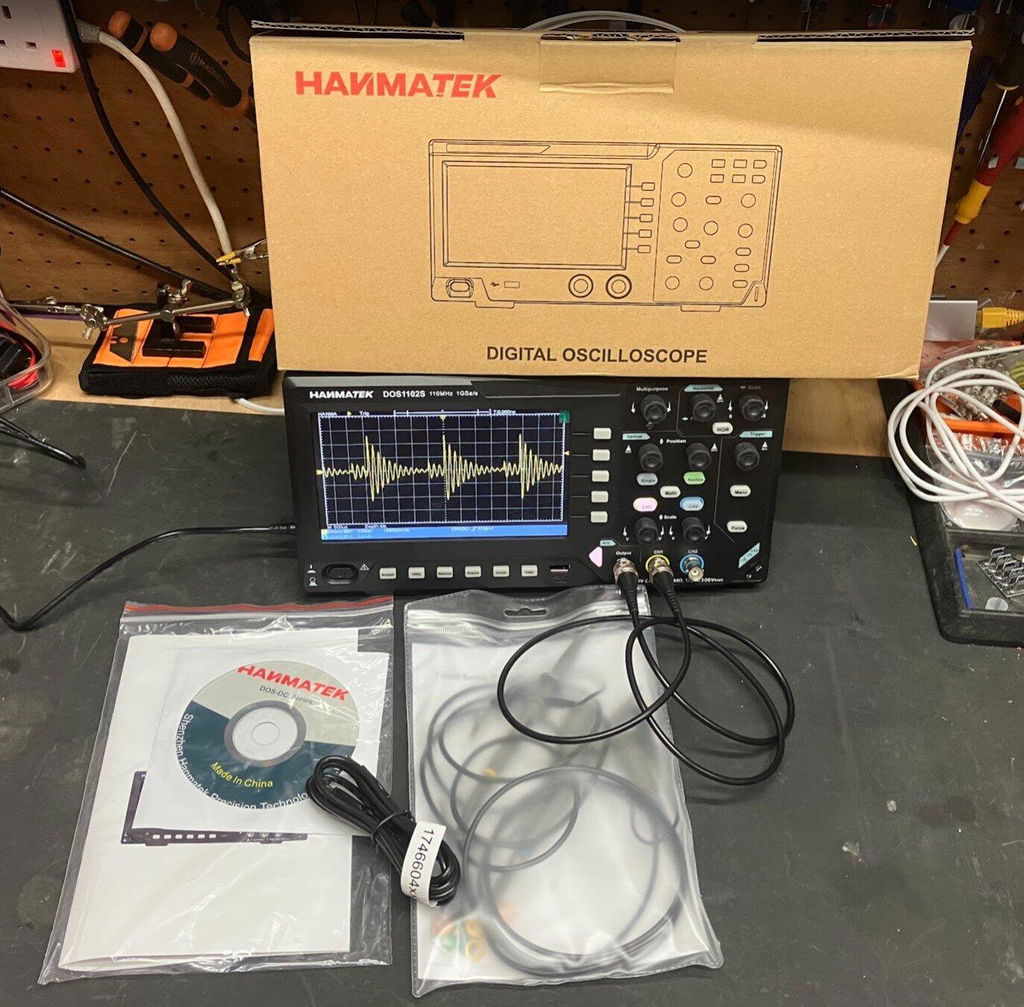
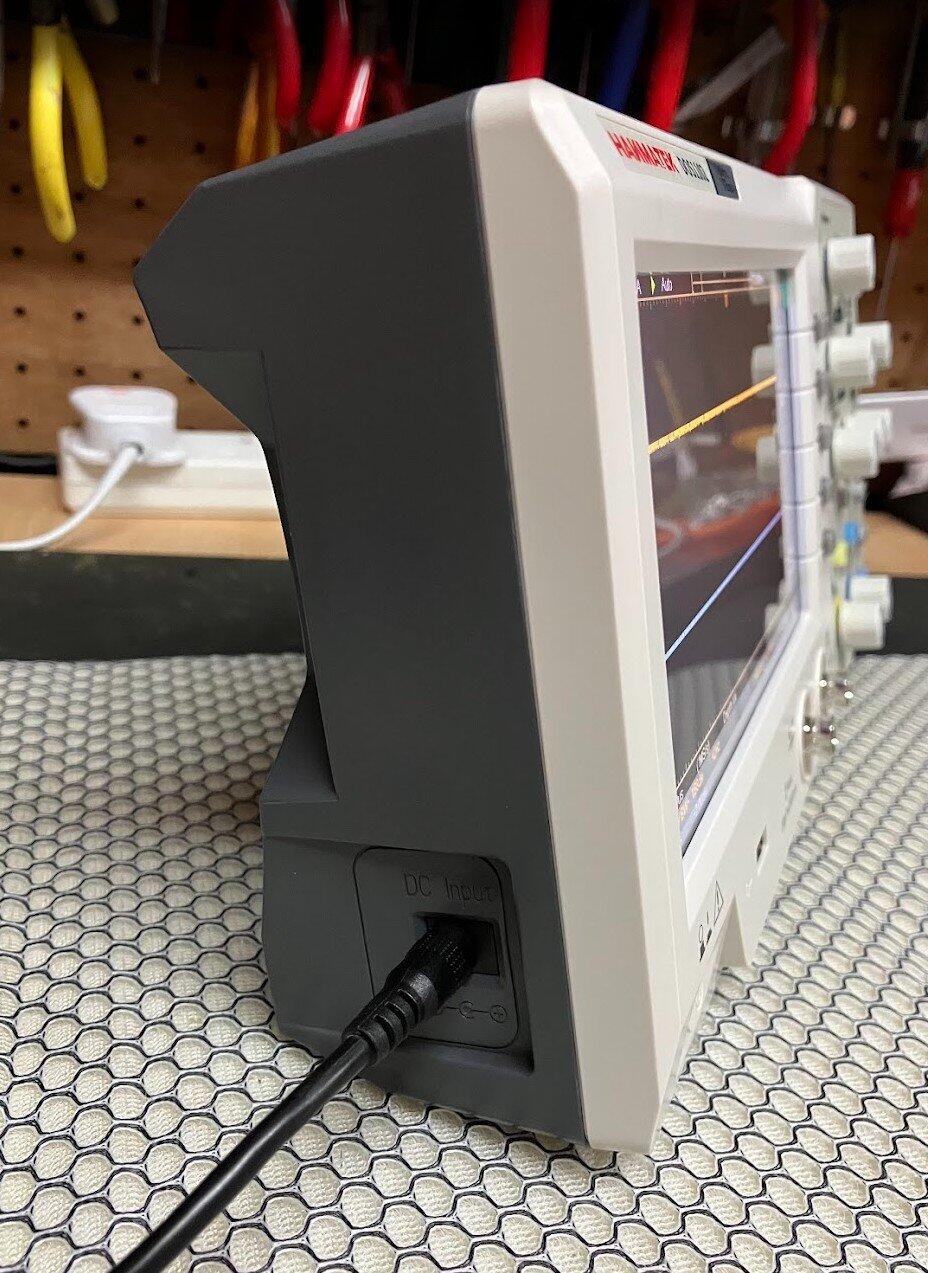
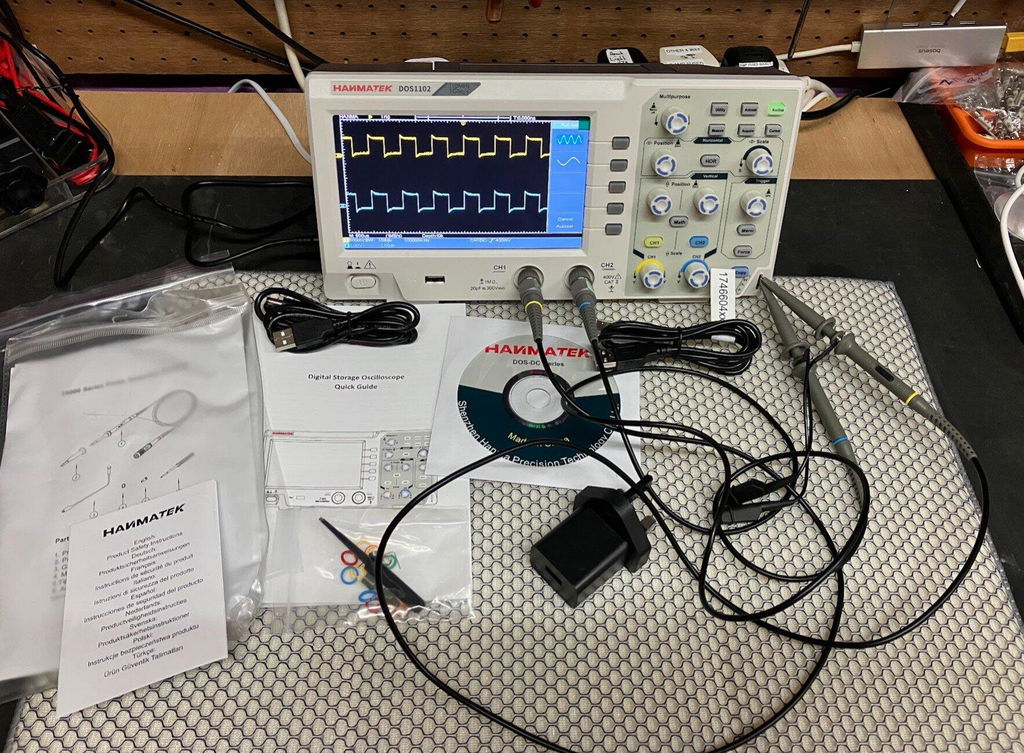
This is the first Oscilloscope I've purchased for home use and so far I really like this scope. Small and light weight, but still has the large 7 inch screen and all the manual knobs and buttons you would use most frequently. Very easy to setup and use. Love that this unit has 110MHz of bandwidth and up to 1GSa/s, and the integrated waveform generator is really nice to have. Came well equipped with probes, BNC cables and power supply. Fantastic deal for $150.
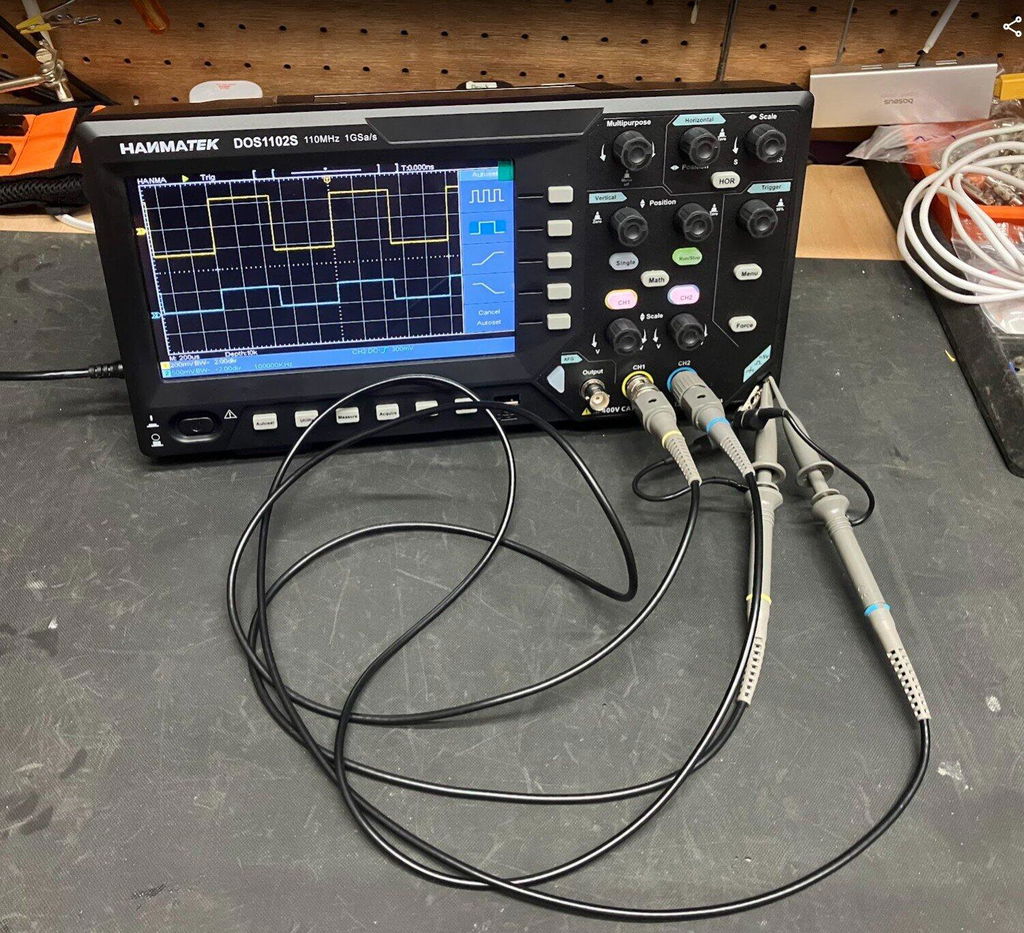
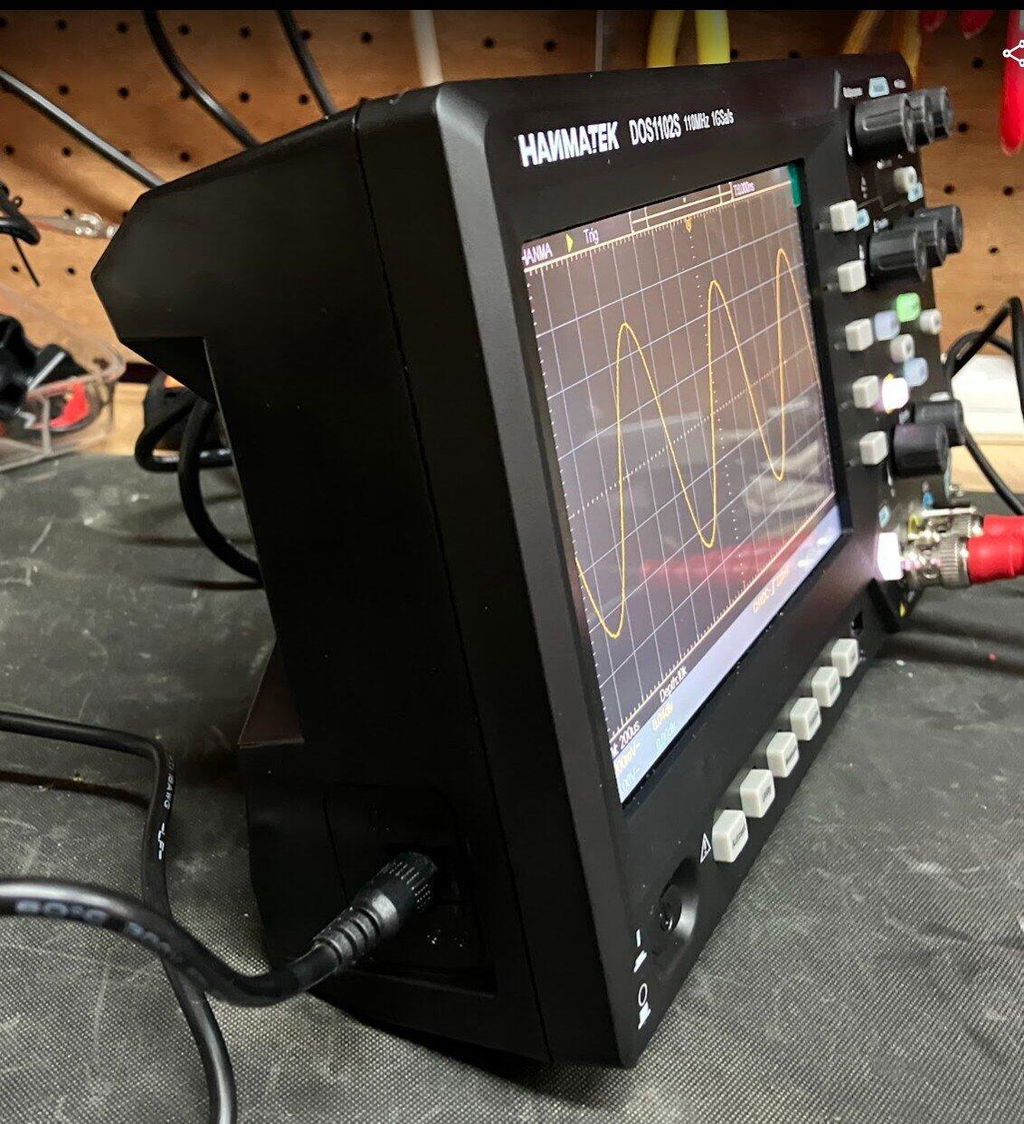
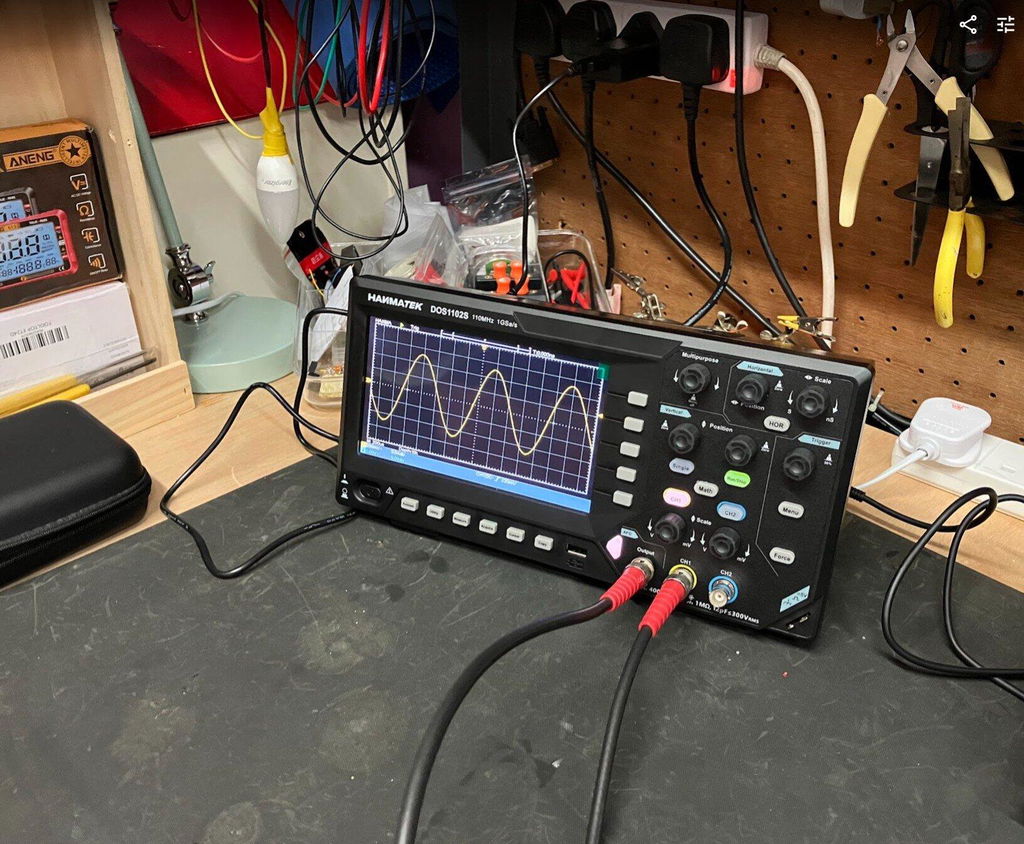
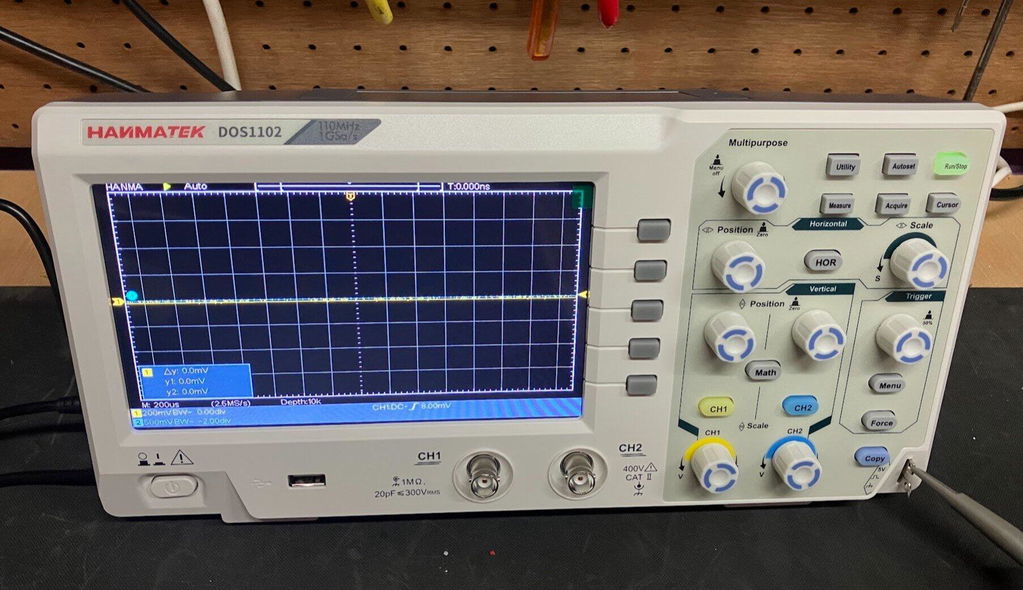
I recently purchased the HANMATEK DOS1102S 110MHz Digital Oscilloscope with built-in AFG function generator, which I brought direct from HANMATEK and after spending a full day putting it through its paces, I have been very impressed with what this compact instrument offers for the price.
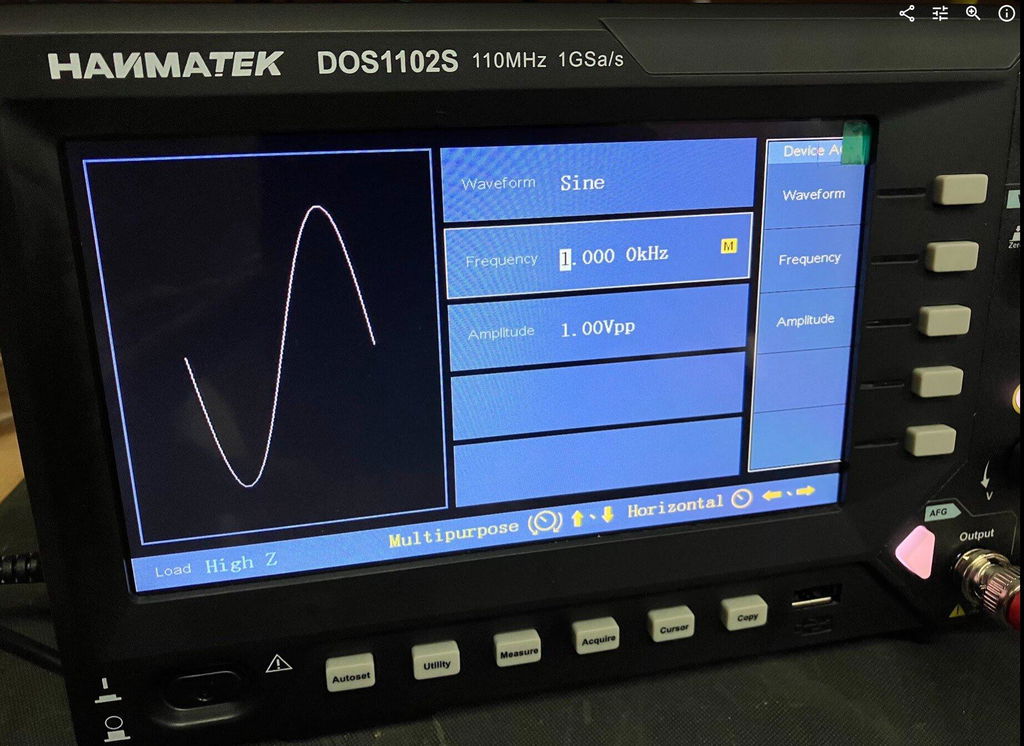
Built-In AFG Function Generator
One of the biggest advantages of the DOS1102S is the built-in AFG function generator. Having signal generation built directly into the oscilloscope is extremely useful for testing circuits and experimenting with different waveforms.
You can generate a test signal and immediately view it on the oscilloscope, making it a very convenient all-in-one test instrument. For beginners, it also means you don't necessarily need to purchase a separate function generator.
Trigger Functions
The trigger section is particularly impressive for an oscilloscope in this price range. Along with the usual trigger controls, the DOS1102S includes Trigger Holdoff, which can help stabilise more complicated or repetitive waveforms.
This gives you greater control over how the waveform is displayed and is a useful feature for more advanced testing.
Maths and FFT
The Maths and FFT functions are another useful addition. FFT allows you to examine the frequency content of a waveform and identify frequency components and harmonics.
While it isn't intended to replace a dedicated spectrum analyser, having FFT available on an affordable oscilloscope provides another useful tool for investigating signals.
Cursors and Measurements
The cursor functions are very useful for taking voltage and time measurements directly from a waveform. I particularly like the cursor lock function, which allows the two cursors to be moved together.
I have compared measurements from the DOS1102S against other test equipment across different waveforms and have been very pleased with the results.
The scope also provides automatic measurements such as frequency, period and peak-to-peak voltage, making it easier to quickly analyse a signal.
Horizontal Zoom and Acquire
The horizontal zoom function allows you to examine sections of a captured waveform in greater detail without completely changing the original time-base settings.
The Acquire menu also provides useful options such as averaging, which can help produce a cleaner and more stable waveform when dealing with noisy signals.
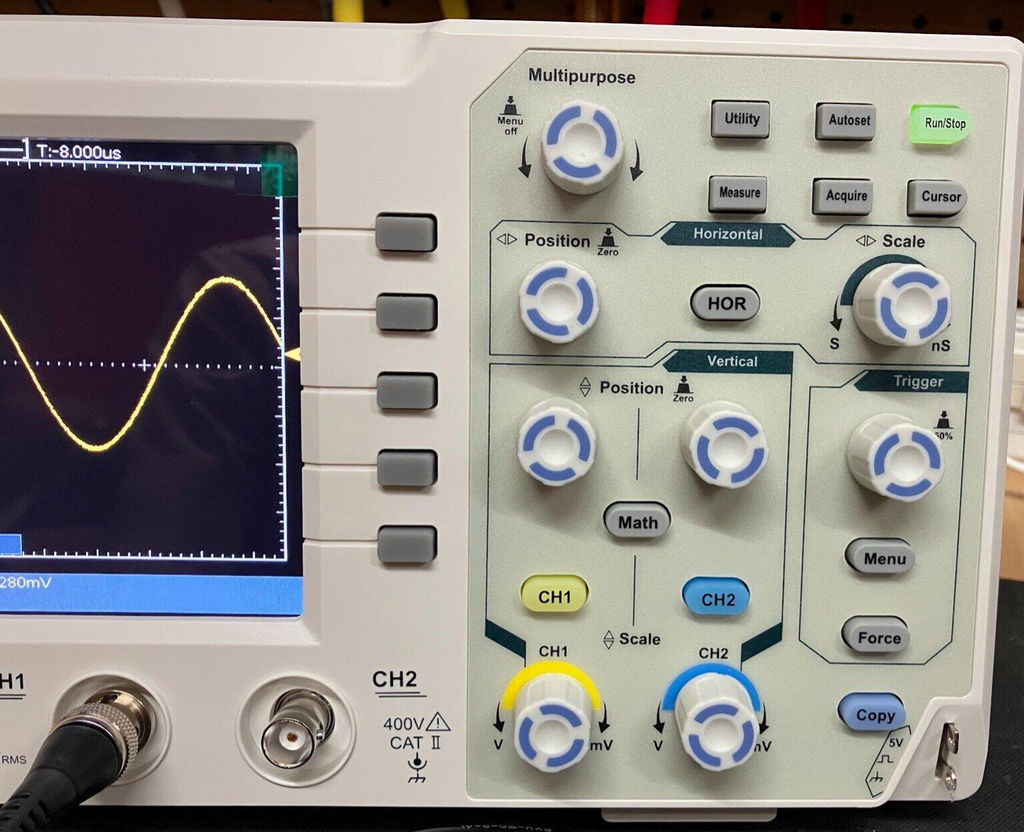
Push-Function Controls
Another feature I like is the push-function control knobs. Some controls can also be pressed to provide additional functions, such as quickly returning vertical, horizontal or trigger positions to their centre or zero point.
It is a small detail, but it makes the oscilloscope quicker and easier to use.
Five -Hour Test
I used the DOS1102S for approximately Five hours during a full day of testing, carrying out measurements, waveform testing and experiments using the built-in AFG.
Throughout the extended test, the oscilloscope performed well and I experienced no problems with its operation. I also compared DC voltage and cursor measurements against other test equipment and was very happy with the results.
Overall Verdict
Overall, I am very impressed with the HANMATEK DOS1102S 110MHz oscilloscope.
For the price, it offers an impressive range of features, including the built-in AFG function generator, Maths, FFT, Trigger Holdoff, cursor locking, horizontal zoom, automatic measurements and averaging.
It is easy enough for beginners to learn with, while still offering plenty of useful functions for experienced electronics users.
The built-in AFG is a particularly valuable addition, effectively giving you an oscilloscope and function generator in one compact instrument.
After using the DOS1102S extensively, I feel HANMATEK has produced a very capable and versatile oscilloscope that offers excellent value for money. I am very happy with mine and would have no hesitation recommending it to anyone looking for an affordable, feature-packed 110MHz oscilloscope.
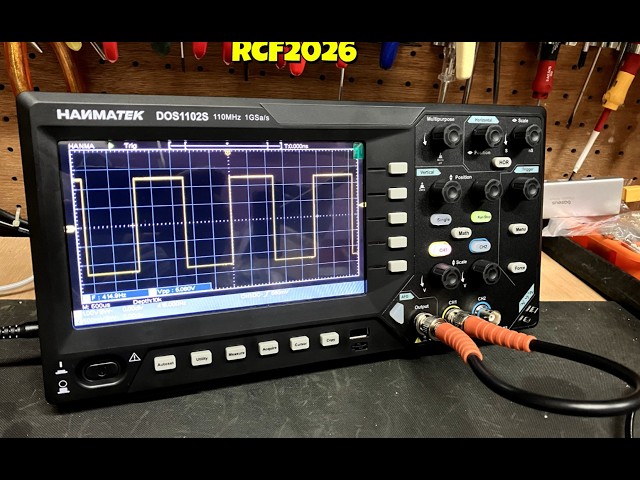
HANMATEK DOS1102 110MHz Digital Oscilloscope, and after spending a full day putting it through its paces, I have to say I am very impressed with what this compact oscilloscope offers for the price. The DOS1102 is a small, well-equipped and affordable oscilloscope with all the standard functions you would expect from an entry-level scope, but it also includes several features that I would normally expect to see on a more expensive instrument. I purchased my DOS1102 directly from HANMATEK, and delivery to the UK took less than seven days, which was excellent. The scope is compact and feels well built. Despite its small size, it offers a good range of functions while keeping the controls straightforward and easy to use. Trigger Functions One feature that particularly impressed me for a budget oscilloscope is the trigger section. Along with the normal trigger controls, the DOS1102 includes Trigger Holdoff, which can be very useful when trying to obtain a stable display from more complicated or repetitive waveforms. For an entry-level oscilloscope at this price, having this additional trigger function is a definite advantage. Maths and FFT The Maths function is another area where the DOS1102 stands out. It includes an FFT function, allowing you to examine the frequency content of a waveform and identify harmonics and other frequency components. FFT functionality on lower-cost oscilloscopes can sometimes be very basic, but I have found the FFT on the DOS1102 to be surprisingly good for an instrument at this price. Cursor Measurements The cursor functions are also very useful. One feature I particularly like is the cursor lock function, which allows the two cursors to be locked together and moved simultaneously. This makes taking measurements quicker and easier, particularly when comparing different points on a waveform. I have compared the DOS1102's cursor measurements against my other test equipment across a variety of waveforms, and the results have been very good. Horizontal Zoom The horizontal zoom function is another useful feature. It allows you to examine sections of a captured waveform in greater detail without having to completely change the original time-base settings. I have found this works well when looking closely at waveform details and makes examining captured signals much easier. Push-Function Control Knobs Another feature I really like is the way the control knobs operate. Several of the adjustment knobs can also be pressed, providing additional functions. For example, pressing the appropriate control can quickly return the waveform to a central or zero position. This applies to functions such as vertical position, horizontal position and trigger controls. It is a small detail, but it makes operating the oscilloscope quicker and more convenient. Voltage and Measurement Testing I have carried out DC voltage comparisons between the DOS1102 and a mid-range Rigol oscilloscope. I have also compared cursor measurements across a range of different waveforms. The DOS1102 compared very well with the Rigol during my testing. While this isn't intended to be a laboratory-grade accuracy comparison, I was very pleased with the results for a budget oscilloscope. Seven-Hour Test One of the most important tests for me was using the oscilloscope for an extended period. I used the DOS1102 for approximately seven hours during a full day of testing, alongside my normal test equipment and carrying out a variety of measurements. Throughout the testing, it performed well and I experienced no problems with its operation. This gave me considerably more confidence in the instrument than simply switching it on and carrying out a few quick measurements. Who Is It Suitable For ? In my opinion, the DOS1102 would suit a wide range of users, from hobbyists and students through to electronics repairers, technicians and engineers who need a compact instrument for quick measurements. It has enough features to make it useful for someone learning electronics, while also offering functions that more experienced users will appreciate. Overall Verdict Overall, I am very happy with the HANMATEK DOS1102. For an affordable 110MHz oscilloscope, it offers an impressive selection of features, including Maths, FFT, Trigger Holdoff, cursor measurements with cursor locking, horizontal zoom and push-function control knobs. The build quality is good, the controls are straightforward, and after putting it through a full seven-hour testing session, I have been very impressed with its performance. For the money, I think HANMATEK has produced a very capable little oscilloscope. It is more than just a basic entry-level scope, offering several features that make it considerably more versatile than I expected at this price. I am very happy with my purchase and would have no hesitation recommending the DOS1102 to anyone looking for a capable and affordable oscilloscope.
precise,Good price, easy to use


Leave a comment