
Free Returns Guarantee
Free & Easy Returns
Free & Easy Returns


Pulse Width Modulation (PWM) is one of the most widely used signal types in modern electronics. From motor control and LED dimming to power supplies and microcontroller applications, PWM signals are everywhere. Understanding how to analyze these signals is an essential skill for engineers, technicians, students, and electronics hobbyists.
A digital oscilloscope is the best tool for visualizing and measuring PWM waveforms. In this guide, we'll explain the fundamentals of PWM signal testing, what measurements matter most, and how a PWM measurement oscilloscope like the HANMATEK DOS1104 can help you troubleshoot and optimize electronic systems.
PWM (Pulse Width Modulation) is a technique used to control power delivery by rapidly switching a signal between ON and OFF states.
Instead of changing voltage directly, PWM varies the amount of time the signal stays high during each cycle.
A PWM waveform is typically characterized by:
By adjusting these parameters, electronic systems can control motors, LEDs, power converters, and many other devices efficiently.
PWM is used in a wide variety of electronic systems, including:
PWM regulates motor speed and torque in:
Brightness is controlled by changing the PWM duty cycle.
Most DC-DC converters and switching regulators rely on PWM control.
Platforms such as:
often generate PWM signals for various control applications.
A multimeter can provide average voltage readings, but it cannot display the actual waveform.
An oscilloscope allows you to:
This makes a PWM measurement oscilloscope an essential tool for signal analysis.
When performing PWM signal testing, several parameters are especially important.
Frequency indicates how many cycles occur each second.
For example:
Using an oscilloscope, frequency can be measured directly from the waveform.
Duty cycle represents the percentage of time the signal remains HIGH during one cycle.
Examples:
| Duty Cycle | Output Effect |
|---|---|
| 10% | Low power |
| 50% | Medium power |
| 90% | High power |
Duty cycle is one of the most important measurements in PWM applications.
Pulse width measures the duration of the HIGH portion of the signal.
This parameter is critical in:
Rise time and fall time indicate how quickly the signal transitions between states.
Slow transitions can cause:
An oscilloscope helps identify these issues quickly.
Connect the oscilloscope probe tip to the PWM signal source and attach the ground clip to the system ground.
Always ensure proper grounding before taking measurements.
Adjust the voltage scale according to the expected signal amplitude.
Common examples:
The waveform should occupy a reasonable portion of the screen without clipping.
Set the horizontal time scale to display multiple PWM cycles.
This makes it easier to evaluate:
Use edge triggering to stabilize the waveform display.
A stable display is essential for accurate measurements.
Most modern oscilloscopes can automatically calculate:
These features simplify PWM analysis significantly.
For engineers and technicians working with PWM-controlled systems, the HANMATEK DOS1104 provides an excellent combination of performance and affordability.
👉 HANMATEK DOS1104 Oscilloscope
https://hanmatek.com/collections/benchtop-oscilloscope/products/hanmatek-dos1104-oscilloscope-portable-4-canaux-110mhz
| Feature | Specification |
|---|---|
| Channels | 4 |
| Bandwidth | 110MHz |
| Sampling Rate | 1GS/s |
| Display | High-Resolution Color LCD |
| Applications | PWM Analysis, Embedded Systems, Power Electronics, Repair |
These specifications make the DOS1104 a powerful tool for PWM signal analysis.
A 110MHz bandwidth easily covers PWM signals used in:
Fast sampling ensures accurate capture of:
This improves measurement precision.
Many PWM systems involve multiple related signals.
For example:
| Channel | Signal |
|---|---|
| CH1 | PWM Output |
| CH2 | Feedback Signal |
| CH3 | Power Rail |
| CH4 | Control Signal |
Viewing all signals simultaneously simplifies troubleshooting and optimization.
Suppose you're controlling LED brightness using an Arduino.
With the DOS1104, you can:
As duty cycle changes from 10% to 90%, the oscilloscope clearly shows how the waveform adjusts to control brightness.
This is a valuable learning and debugging tool for embedded developers.
PWM analysis is useful in many fields:
Monitor motor drive control signals.
Analyze PWM-controlled fuel pumps, cooling fans, and lighting systems.
Evaluate DC-DC converters and switching regulators.
Diagnose PWM-based power management circuits.
PWM signals play a critical role in modern electronics, and a digital oscilloscope is the best tool for understanding and troubleshooting them.
Whether you're performing PWM signal testing on a motor controller, microcontroller project, switching power supply, or industrial system, an oscilloscope provides the visibility needed to make accurate measurements.
The HANMATEK DOS1104 is particularly well-suited for PWM analysis thanks to its:
These features make it a capable PWM measurement oscilloscope for students, hobbyists, technicians, and professional engineers alike.
👉 Learn more about the HANMATEK DOS1104 here:
https://hanmatek.com/collections/benchtop-oscilloscope/products/hanmatek-dos1104-oscilloscope-portable-4-canaux-110mhz

{"one"=>"Seleccione 2 o 3 artículos para comparar", "other"=>"{{ count }} de 3 artículos seleccionados"}
Seleccione el primer artículo para comparar
Seleccione el segundo artículo para comparar
Seleccione el tercer elemento para comparar
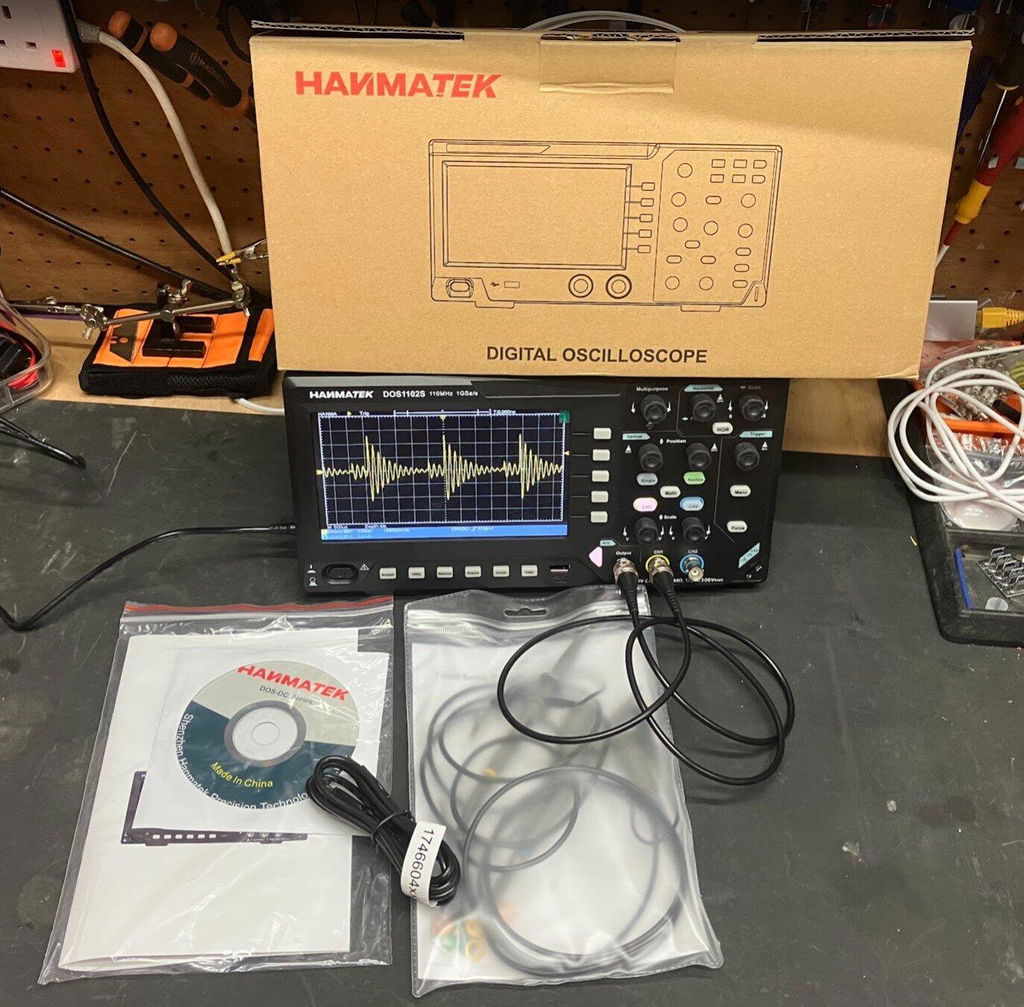
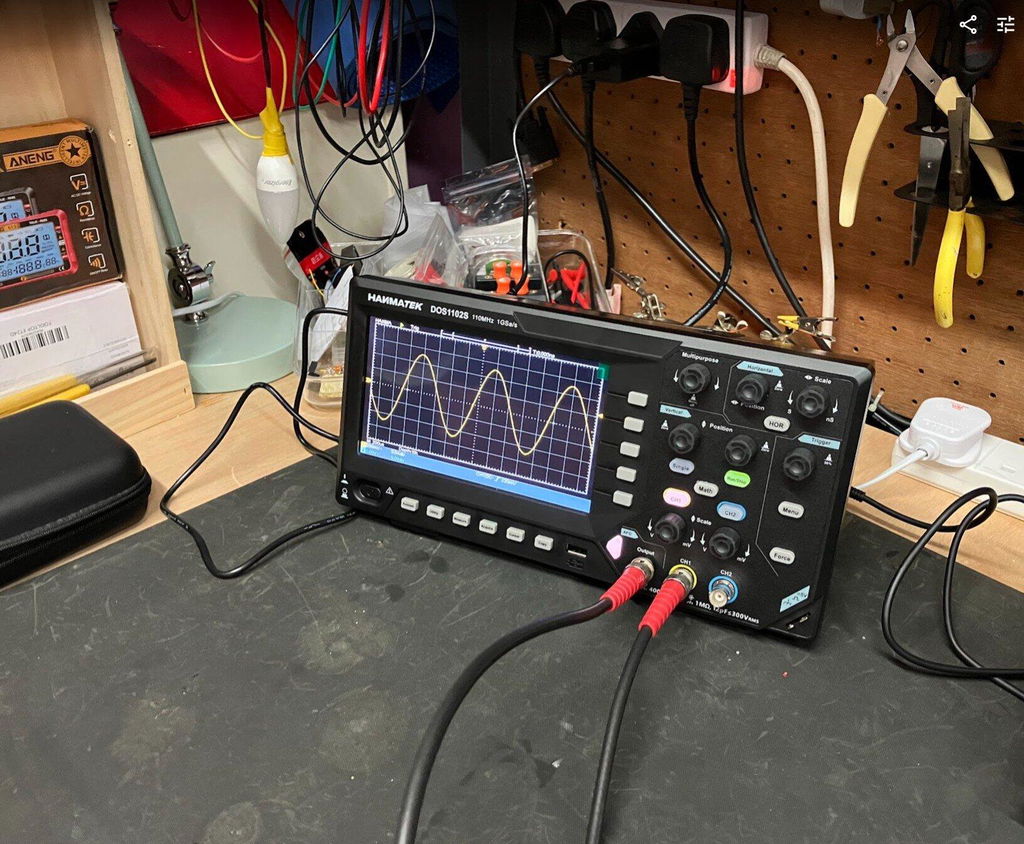
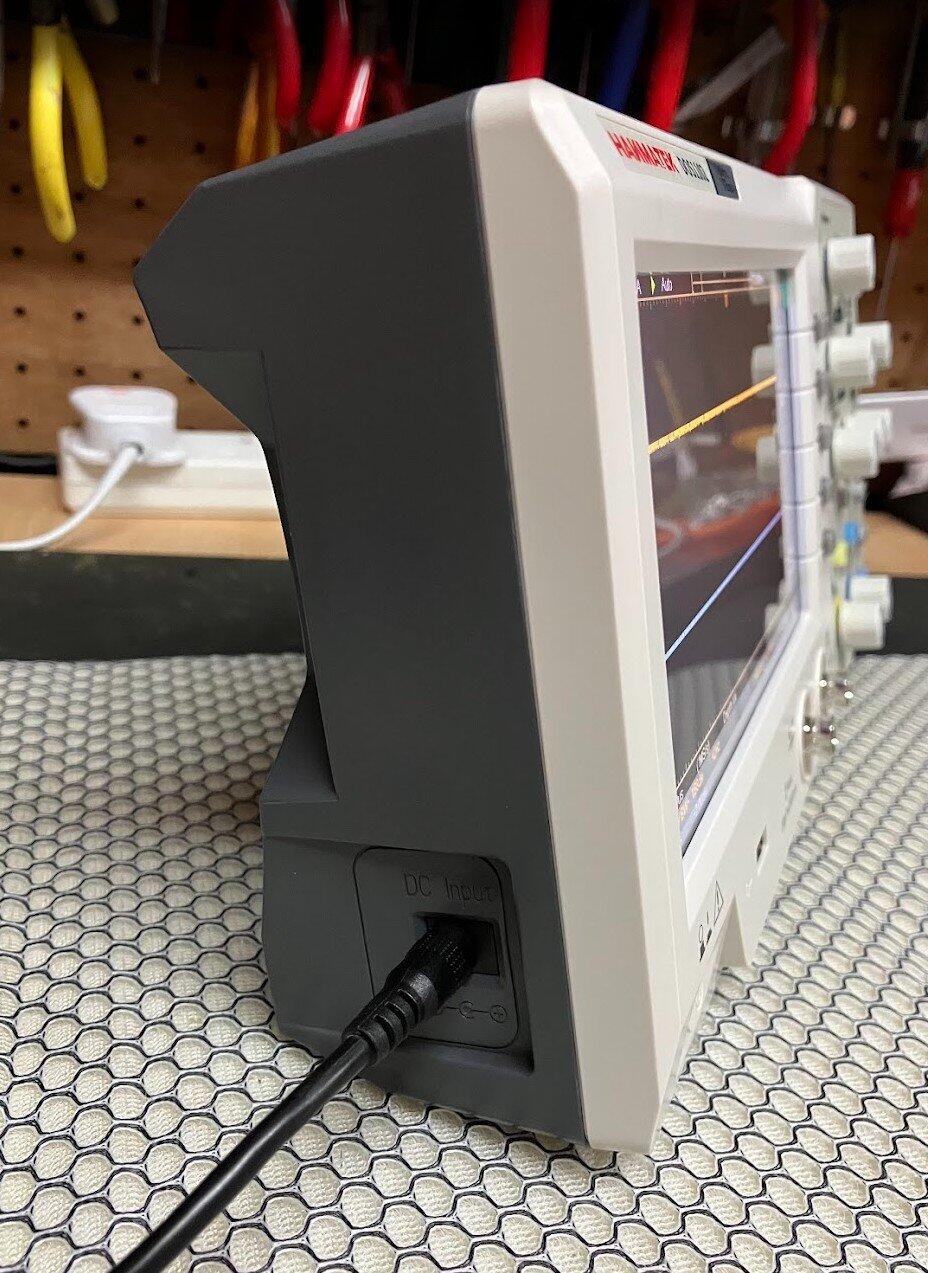
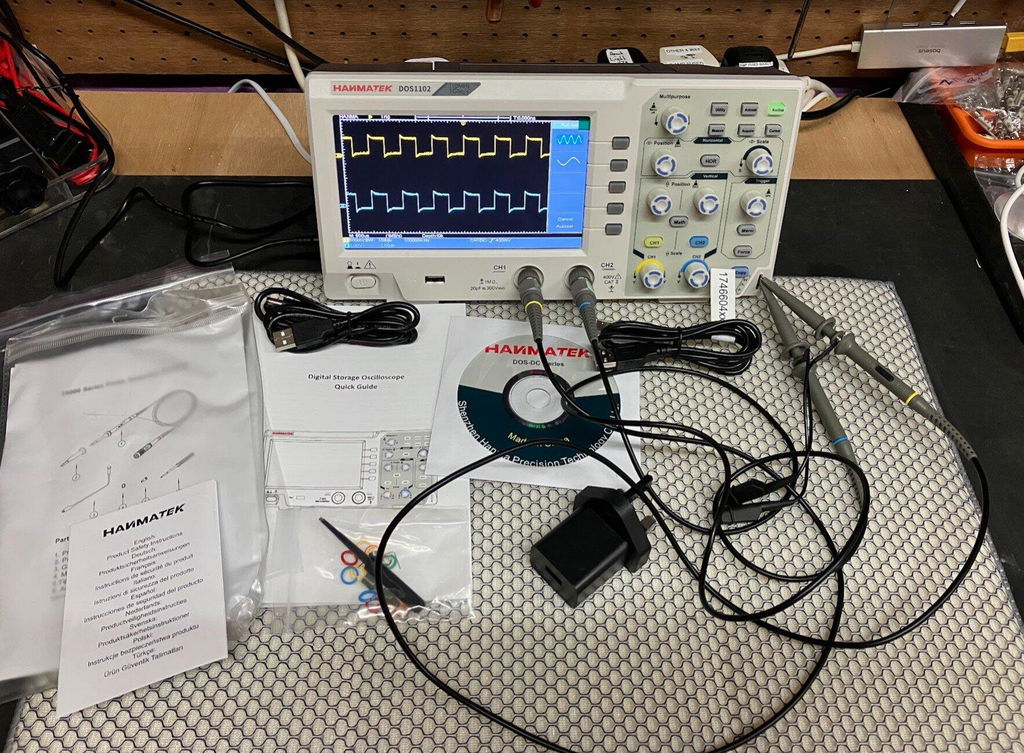
This is the first Oscilloscope I've purchased for home use and so far I really like this scope. Small and light weight, but still has the large 7 inch screen and all the manual knobs and buttons you would use most frequently. Very easy to setup and use. Love that this unit has 110MHz of bandwidth and up to 1GSa/s, and the integrated waveform generator is really nice to have. Came well equipped with probes, BNC cables and power supply. Fantastic deal for $150.
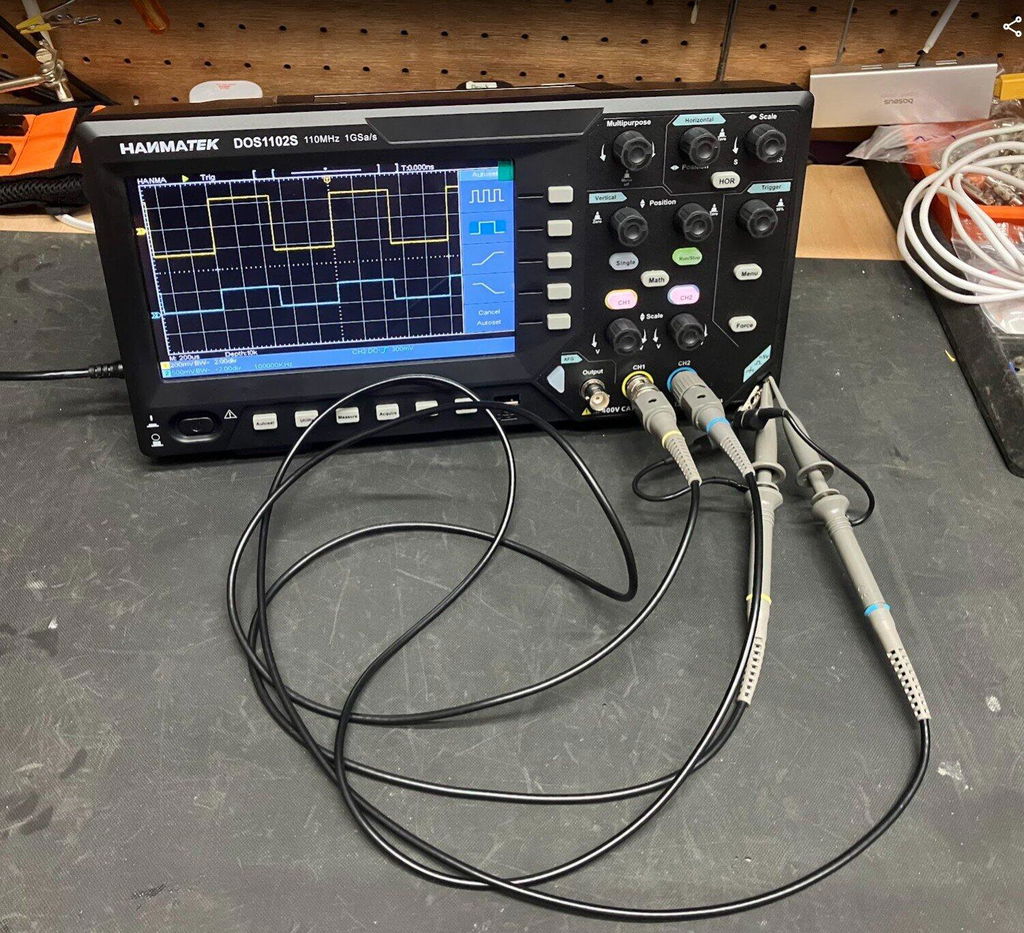
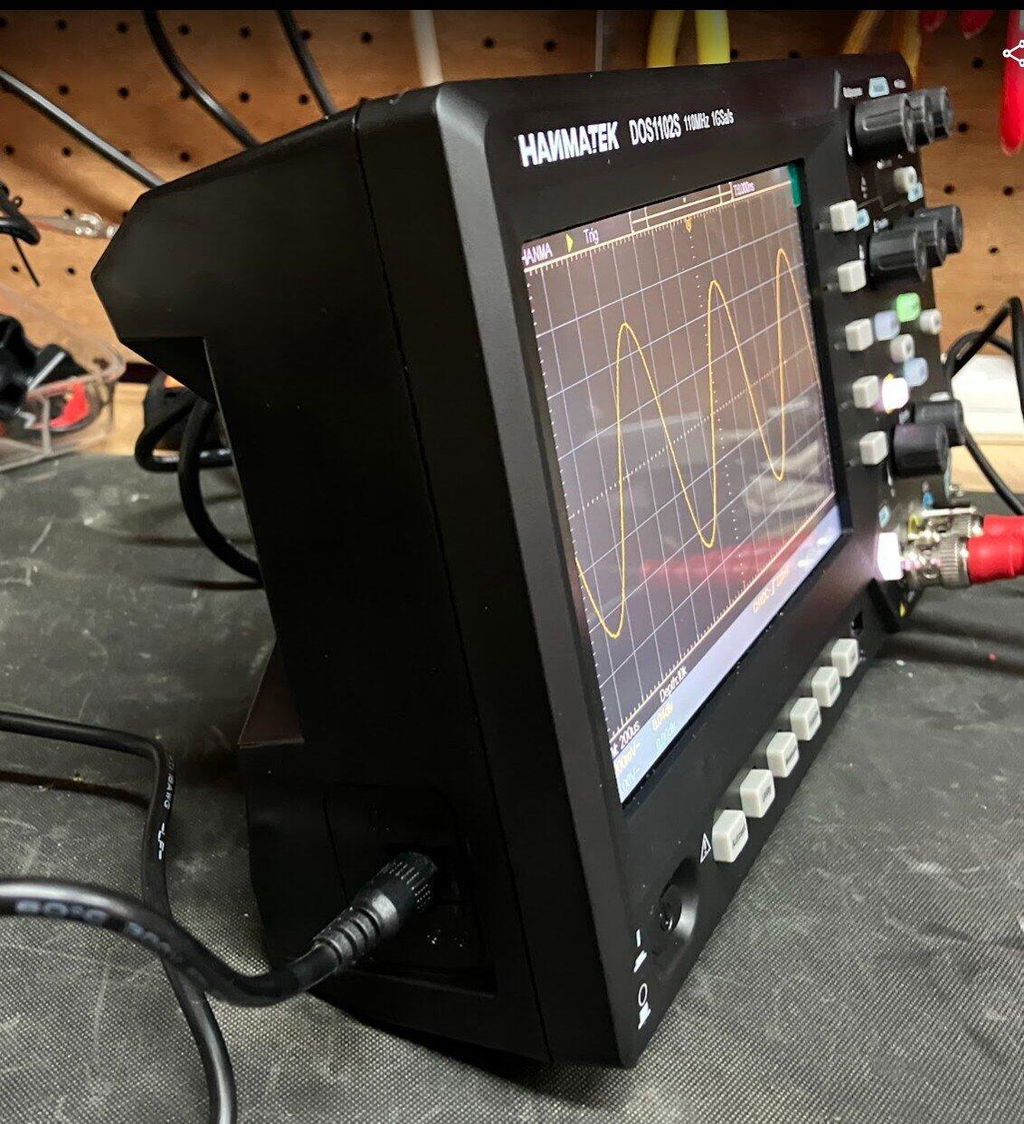
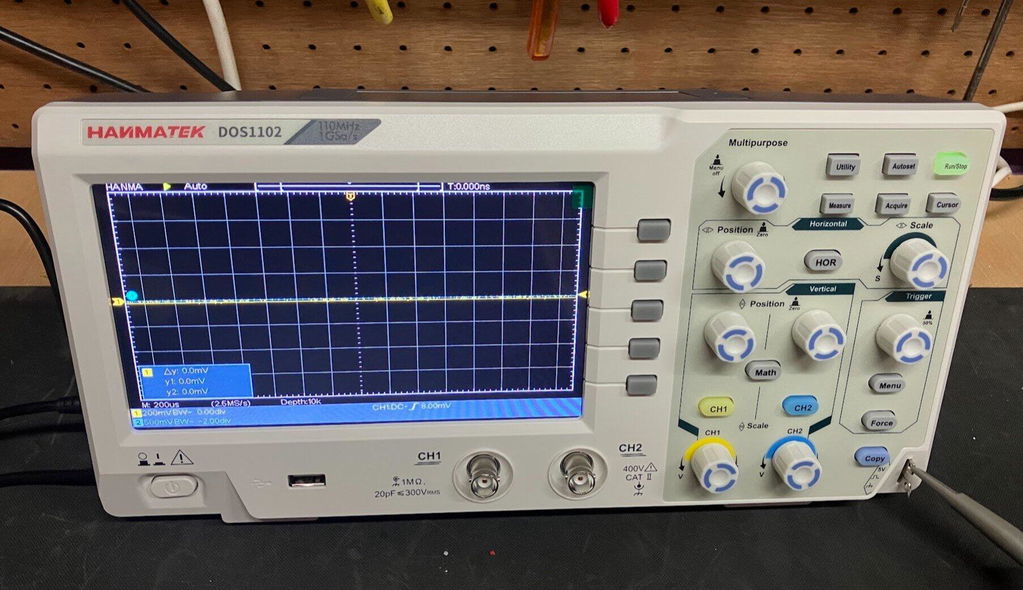
I recently purchased the HANMATEK DOS1102S 110MHz Digital Oscilloscope with built-in AFG function generator, which I brought direct from HANMATEK and after spending a full day putting it through its paces, I have been very impressed with what this compact instrument offers for the price.
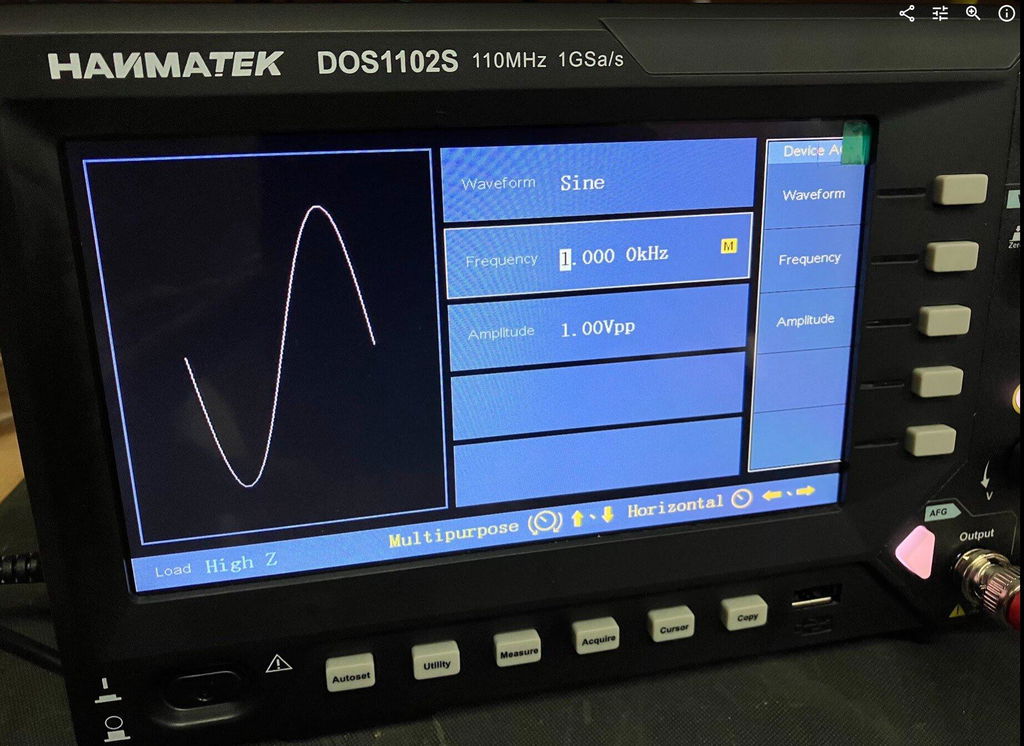
Built-In AFG Function Generator
One of the biggest advantages of the DOS1102S is the built-in AFG function generator. Having signal generation built directly into the oscilloscope is extremely useful for testing circuits and experimenting with different waveforms.
You can generate a test signal and immediately view it on the oscilloscope, making it a very convenient all-in-one test instrument. For beginners, it also means you don't necessarily need to purchase a separate function generator.
Trigger Functions
The trigger section is particularly impressive for an oscilloscope in this price range. Along with the usual trigger controls, the DOS1102S includes Trigger Holdoff, which can help stabilise more complicated or repetitive waveforms.
This gives you greater control over how the waveform is displayed and is a useful feature for more advanced testing.
Maths and FFT
The Maths and FFT functions are another useful addition. FFT allows you to examine the frequency content of a waveform and identify frequency components and harmonics.
While it isn't intended to replace a dedicated spectrum analyser, having FFT available on an affordable oscilloscope provides another useful tool for investigating signals.
Cursors and Measurements
The cursor functions are very useful for taking voltage and time measurements directly from a waveform. I particularly like the cursor lock function, which allows the two cursors to be moved together.
I have compared measurements from the DOS1102S against other test equipment across different waveforms and have been very pleased with the results.
The scope also provides automatic measurements such as frequency, period and peak-to-peak voltage, making it easier to quickly analyse a signal.
Horizontal Zoom and Acquire
The horizontal zoom function allows you to examine sections of a captured waveform in greater detail without completely changing the original time-base settings.
The Acquire menu also provides useful options such as averaging, which can help produce a cleaner and more stable waveform when dealing with noisy signals.
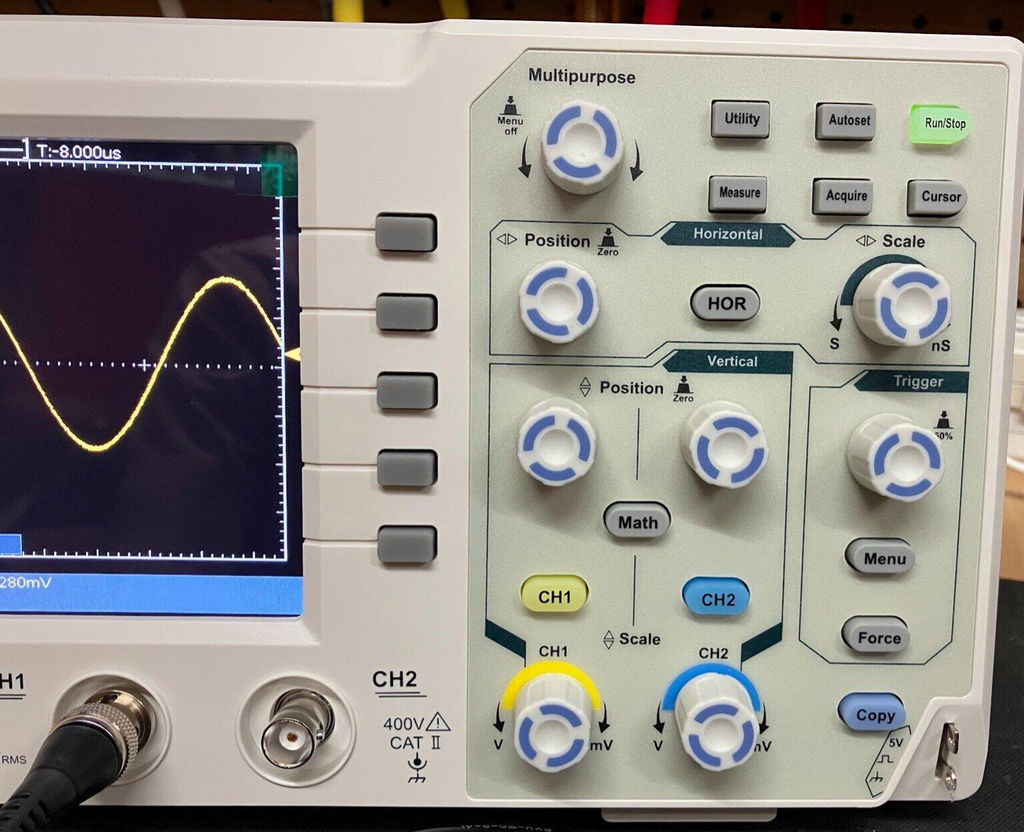
Push-Function Controls
Another feature I like is the push-function control knobs. Some controls can also be pressed to provide additional functions, such as quickly returning vertical, horizontal or trigger positions to their centre or zero point.
It is a small detail, but it makes the oscilloscope quicker and easier to use.
Five -Hour Test
I used the DOS1102S for approximately Five hours during a full day of testing, carrying out measurements, waveform testing and experiments using the built-in AFG.
Throughout the extended test, the oscilloscope performed well and I experienced no problems with its operation. I also compared DC voltage and cursor measurements against other test equipment and was very happy with the results.
Overall Verdict
Overall, I am very impressed with the HANMATEK DOS1102S 110MHz oscilloscope.
For the price, it offers an impressive range of features, including the built-in AFG function generator, Maths, FFT, Trigger Holdoff, cursor locking, horizontal zoom, automatic measurements and averaging.
It is easy enough for beginners to learn with, while still offering plenty of useful functions for experienced electronics users.
The built-in AFG is a particularly valuable addition, effectively giving you an oscilloscope and function generator in one compact instrument.
After using the DOS1102S extensively, I feel HANMATEK has produced a very capable and versatile oscilloscope that offers excellent value for money. I am very happy with mine and would have no hesitation recommending it to anyone looking for an affordable, feature-packed 110MHz oscilloscope.
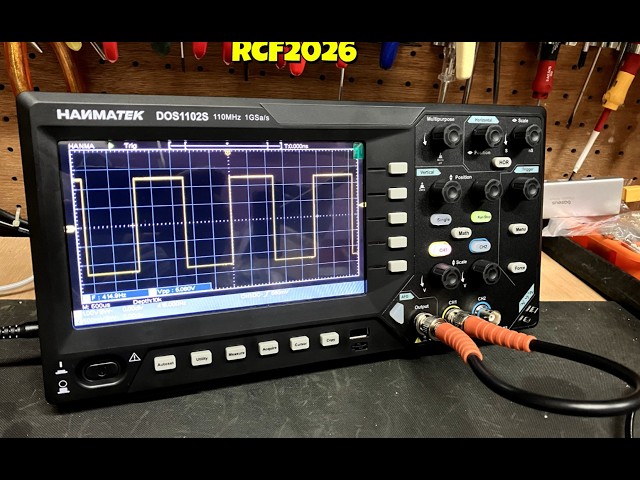
HANMATEK DOS1102 110MHz Digital Oscilloscope, and after spending a full day putting it through its paces, I have to say I am very impressed with what this compact oscilloscope offers for the price. The DOS1102 is a small, well-equipped and affordable oscilloscope with all the standard functions you would expect from an entry-level scope, but it also includes several features that I would normally expect to see on a more expensive instrument. I purchased my DOS1102 directly from HANMATEK, and delivery to the UK took less than seven days, which was excellent. The scope is compact and feels well built. Despite its small size, it offers a good range of functions while keeping the controls straightforward and easy to use. Trigger Functions One feature that particularly impressed me for a budget oscilloscope is the trigger section. Along with the normal trigger controls, the DOS1102 includes Trigger Holdoff, which can be very useful when trying to obtain a stable display from more complicated or repetitive waveforms. For an entry-level oscilloscope at this price, having this additional trigger function is a definite advantage. Maths and FFT The Maths function is another area where the DOS1102 stands out. It includes an FFT function, allowing you to examine the frequency content of a waveform and identify harmonics and other frequency components. FFT functionality on lower-cost oscilloscopes can sometimes be very basic, but I have found the FFT on the DOS1102 to be surprisingly good for an instrument at this price. Cursor Measurements The cursor functions are also very useful. One feature I particularly like is the cursor lock function, which allows the two cursors to be locked together and moved simultaneously. This makes taking measurements quicker and easier, particularly when comparing different points on a waveform. I have compared the DOS1102's cursor measurements against my other test equipment across a variety of waveforms, and the results have been very good. Horizontal Zoom The horizontal zoom function is another useful feature. It allows you to examine sections of a captured waveform in greater detail without having to completely change the original time-base settings. I have found this works well when looking closely at waveform details and makes examining captured signals much easier. Push-Function Control Knobs Another feature I really like is the way the control knobs operate. Several of the adjustment knobs can also be pressed, providing additional functions. For example, pressing the appropriate control can quickly return the waveform to a central or zero position. This applies to functions such as vertical position, horizontal position and trigger controls. It is a small detail, but it makes operating the oscilloscope quicker and more convenient. Voltage and Measurement Testing I have carried out DC voltage comparisons between the DOS1102 and a mid-range Rigol oscilloscope. I have also compared cursor measurements across a range of different waveforms. The DOS1102 compared very well with the Rigol during my testing. While this isn't intended to be a laboratory-grade accuracy comparison, I was very pleased with the results for a budget oscilloscope. Seven-Hour Test One of the most important tests for me was using the oscilloscope for an extended period. I used the DOS1102 for approximately seven hours during a full day of testing, alongside my normal test equipment and carrying out a variety of measurements. Throughout the testing, it performed well and I experienced no problems with its operation. This gave me considerably more confidence in the instrument than simply switching it on and carrying out a few quick measurements. Who Is It Suitable For ? In my opinion, the DOS1102 would suit a wide range of users, from hobbyists and students through to electronics repairers, technicians and engineers who need a compact instrument for quick measurements. It has enough features to make it useful for someone learning electronics, while also offering functions that more experienced users will appreciate. Overall Verdict Overall, I am very happy with the HANMATEK DOS1102. For an affordable 110MHz oscilloscope, it offers an impressive selection of features, including Maths, FFT, Trigger Holdoff, cursor measurements with cursor locking, horizontal zoom and push-function control knobs. The build quality is good, the controls are straightforward, and after putting it through a full seven-hour testing session, I have been very impressed with its performance. For the money, I think HANMATEK has produced a very capable little oscilloscope. It is more than just a basic entry-level scope, offering several features that make it considerably more versatile than I expected at this price. I am very happy with my purchase and would have no hesitation recommending the DOS1102 to anyone looking for a capable and affordable oscilloscope.
precise,Good price, easy to use


Dejar un comentario